Mark the days you can work
Use the availability calendar to show which days you can take jobs.
- Who it's for
- Providers.
- What you need first
- A provider profile.
- Time needed
- About 2 minutes
Steps
Screenshots show the website with demo data. The CouthActs apps work the same way; differences are under “On the app”.
Step 1: Select Availability in the menu.
Step 2: Select a day to switch it between Available and Unavailable.
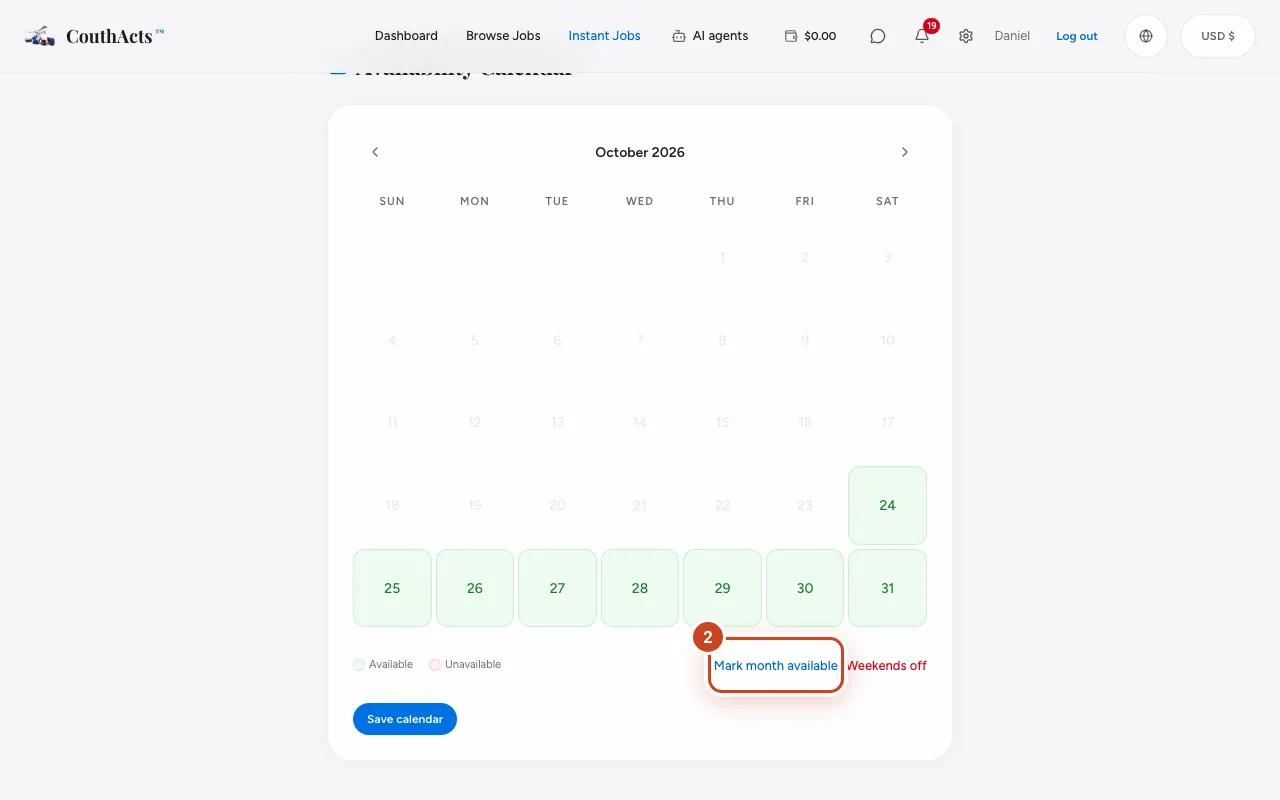
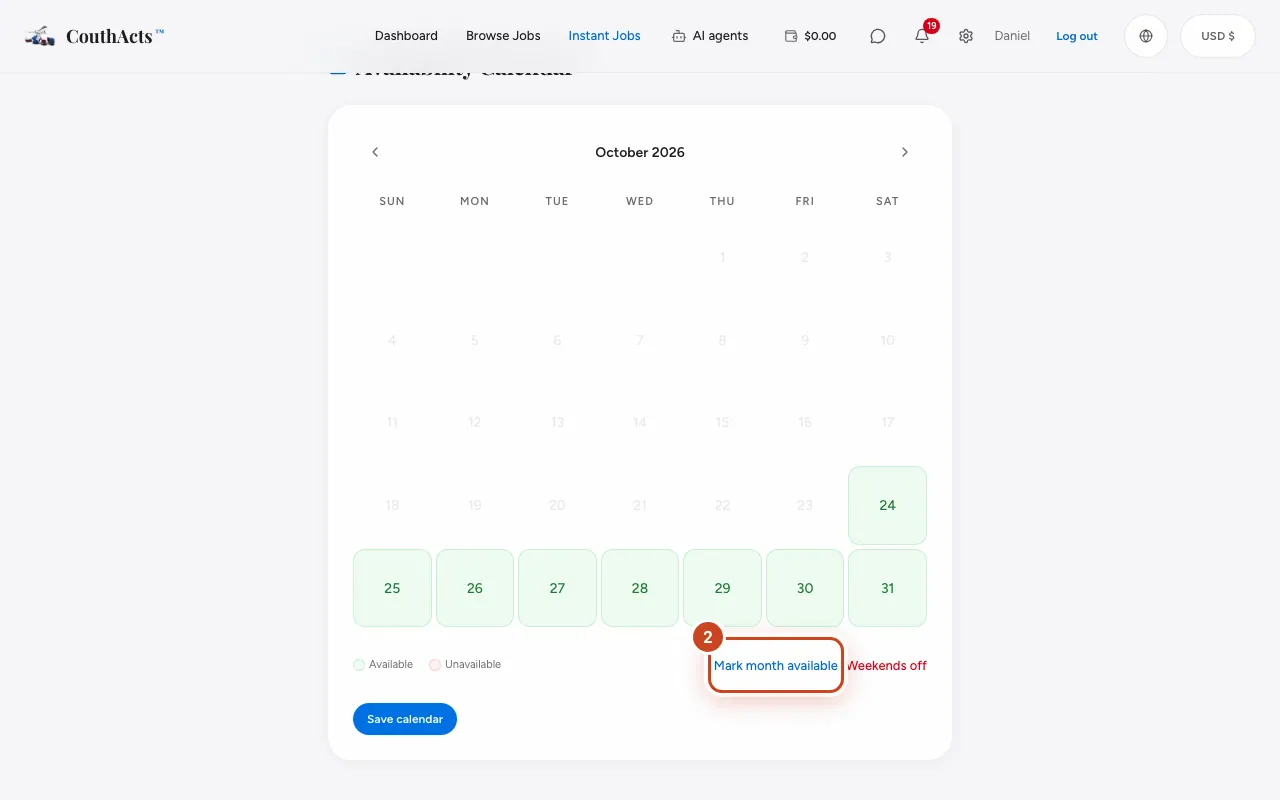
Step 3: Use Mark month available or Weekends off to fill a month quickly.
Step 4: Select Save calendar.
What happens next
Your calendar is saved.
Common problems and fixes
I need a different month.
Use the arrows for Previous month and Next month.