Share your verified credential and badge
A signed record of your verification and track record that anyone can check, with a badge for your website or email.
- Who it's for
- Providers.
- What you need first
- A provider profile.
- Time needed
- About 2 minutes
Steps
Screenshots show the website with demo data. The CouthActs apps work the same way; differences are under “On the app”.
Step 1: Open Settings and go to Your verified credential.
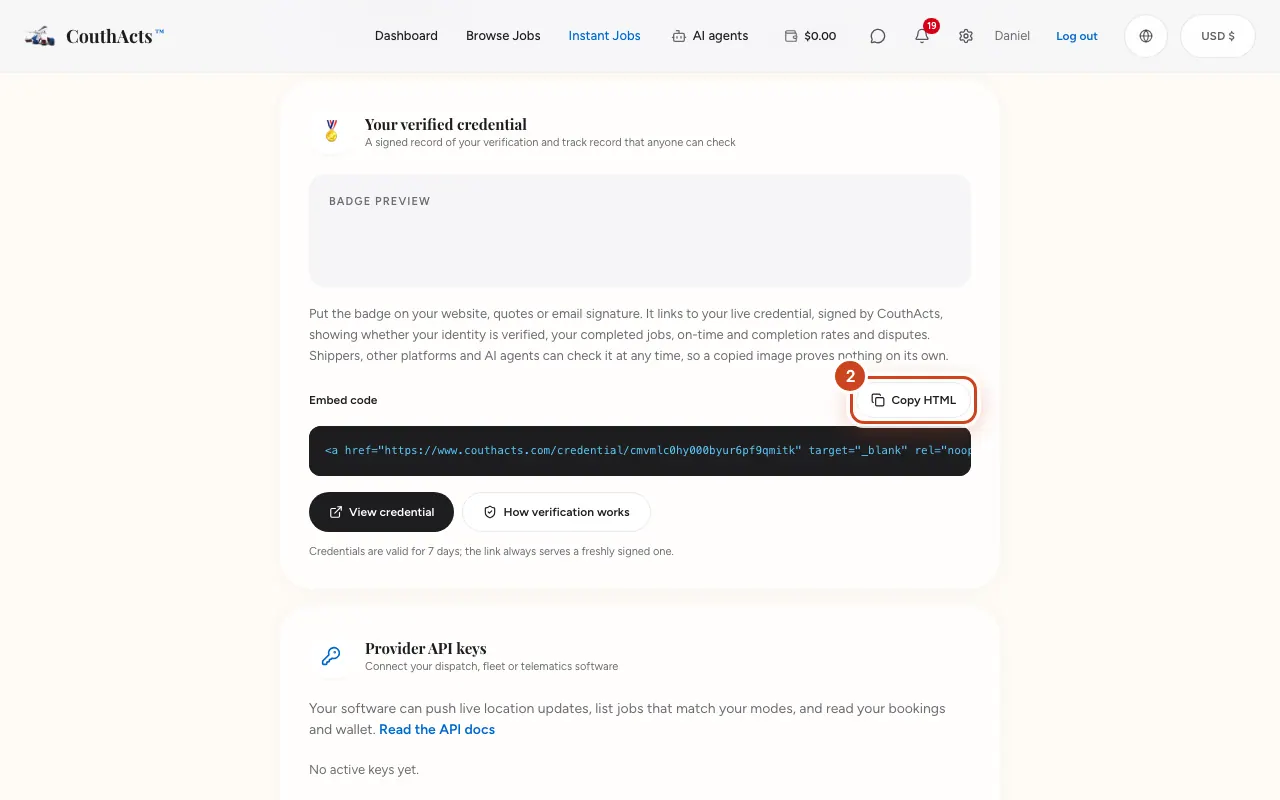
Step 2: Select Copy HTML to copy the badge's embed code.
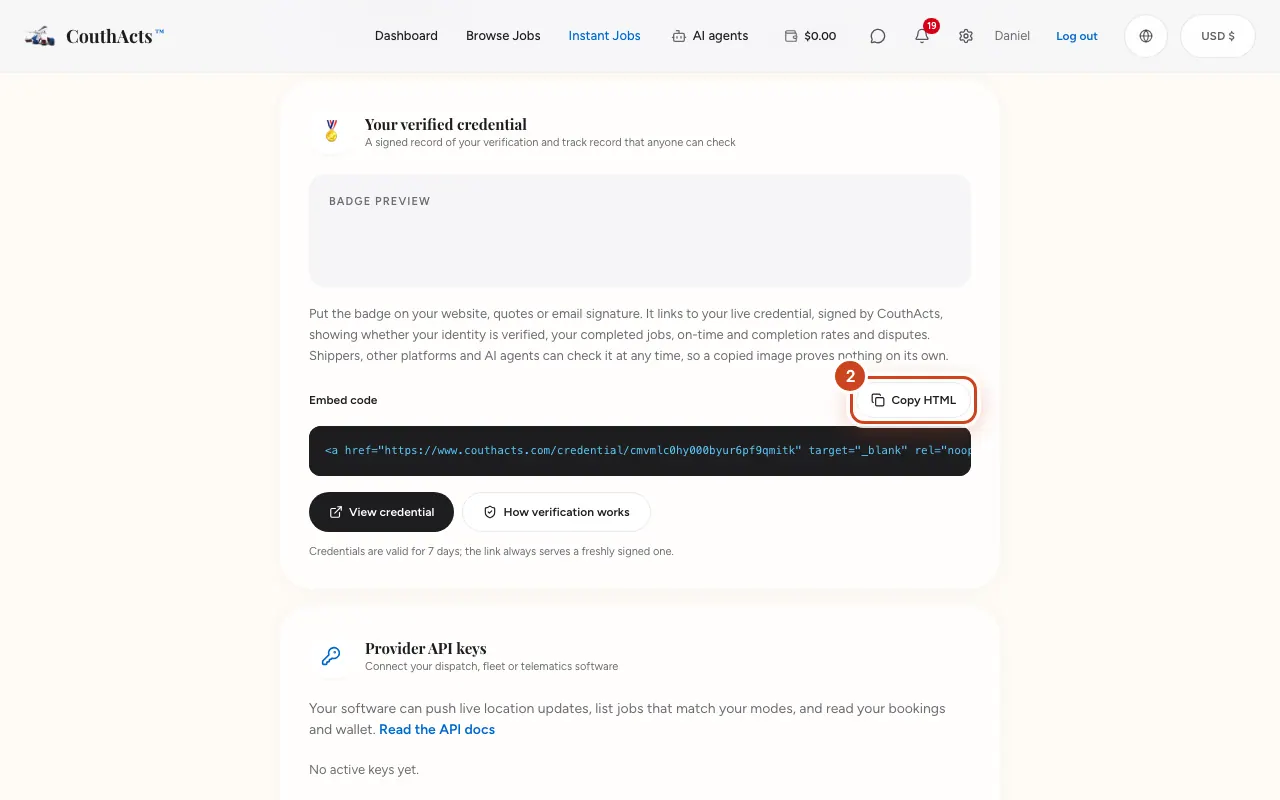
Step 3: Paste it into your website, quotes or email signature.
Step 4: Select View credential to see what others see.
What happens next
The badge links to your live credential, signed by CouthActs, which shows identity verification, completed jobs, on-time and completion rates and disputes. It's re-signed every 7 days automatically.
Common problems and fixes
Someone copied my badge image.
A copied image proves nothing; the live credential link is what counts.
On the app
- iPhone
- Go to Account → Your verified credential → Share credential.
- Android
- Go to Account → Your verified credential → Share credential.