Verify a certificate or credential
Check that a CouthActs custody certificate or provider credential is genuine and unchanged.
- Who it's for
- Insurers, auditors, businesses, agencies and anyone given a CouthActs document.
- What you need first
- The certificate or credential file (JSON), or its text.
- Time needed
- About 1 minute
Steps
Screenshots show the website with demo data. The CouthActs apps work the same way; differences are under “On the app”.
Step 1: Go to Verify.
Step 2: Paste the document into Certificate or credential JSON, or select Upload file.
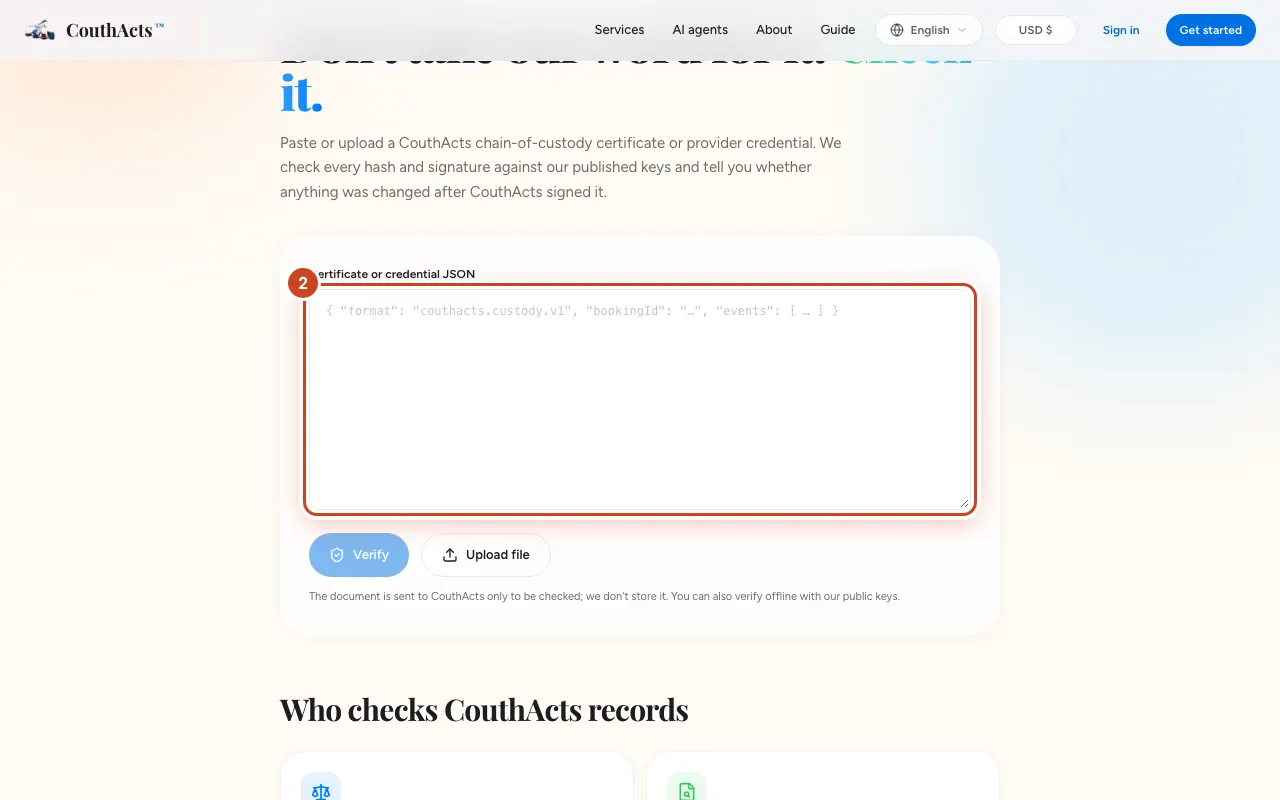
Step 3: Select Verify.
Step 4: Read the result: Valid or Not verified, with a summary.
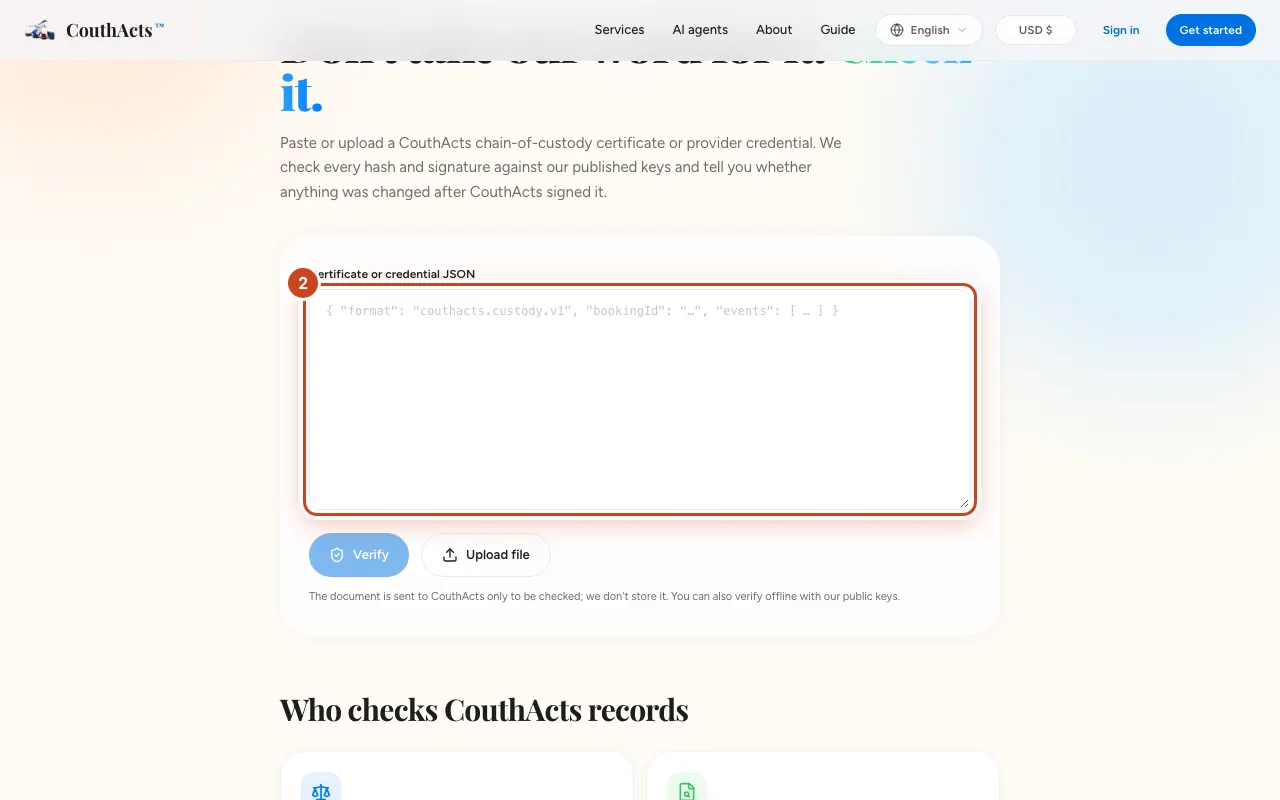
What happens next
A valid result means every signature checks out against CouthActs' published keys and nothing was changed after signing. For a custody certificate, you can also compare it with the live public record.
Common problems and fixes
It says it isn't valid JSON.
Paste the whole document, from the first { to the last }.
The credential has expired.
Credentials are valid for 7 days. Open the provider's credential link for a freshly signed one.
Can I verify from code?
Yes. The verify endpoint is public; see the API docs.