Find jobs to bid on
Browse open jobs from real customers, filter by mode and urgency, and use the load board for freight.
- Who it's for
- Providers.
- What you need first
- A provider account, signed in.
- Time needed
- About 2 minutes
Steps
Screenshots show the website with demo data. The CouthActs apps work the same way; differences are under “On the app”.
Step 1: Select Browse Jobs at the top of the page.
Step 2: Under Filters, pick a Transport mode or tick Urgent jobs only.
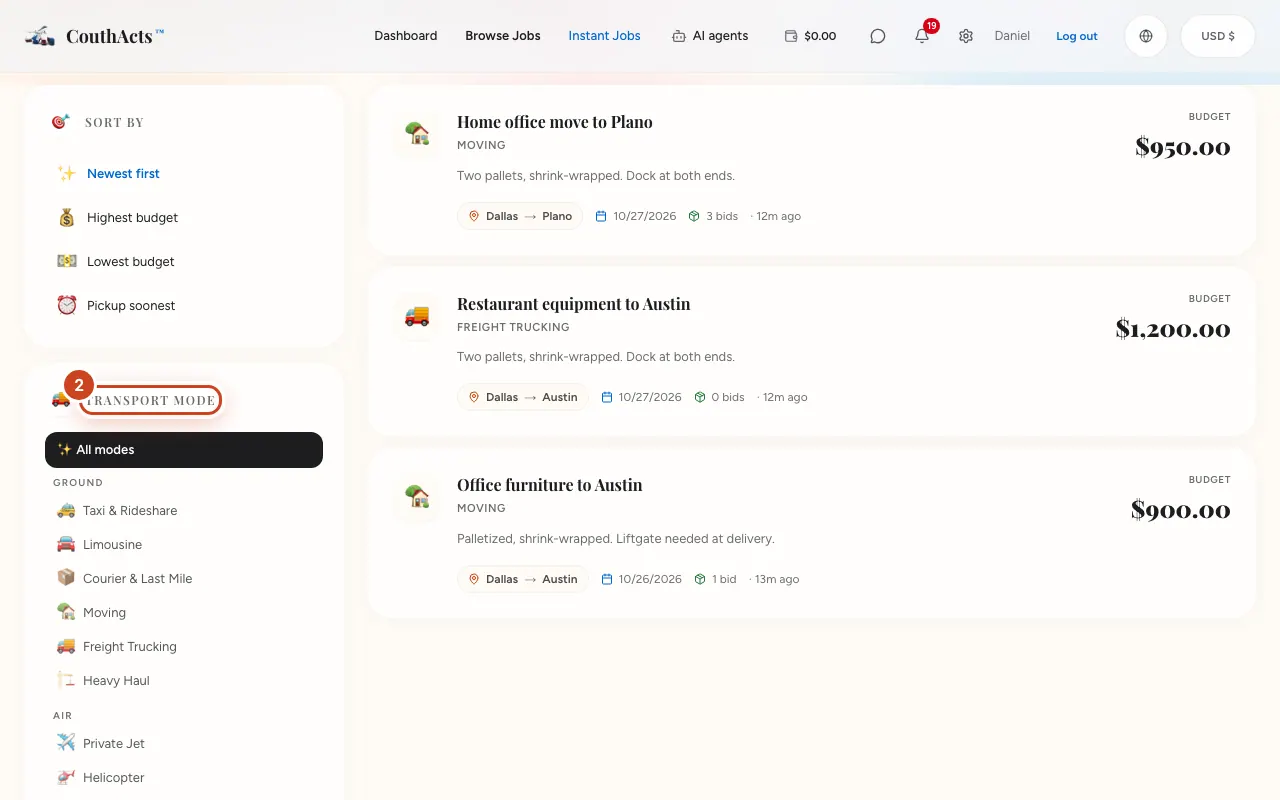
Step 3: Choose Sort by, such as Highest budget.
Step 4: Select a job to see its details, or Place a bid.
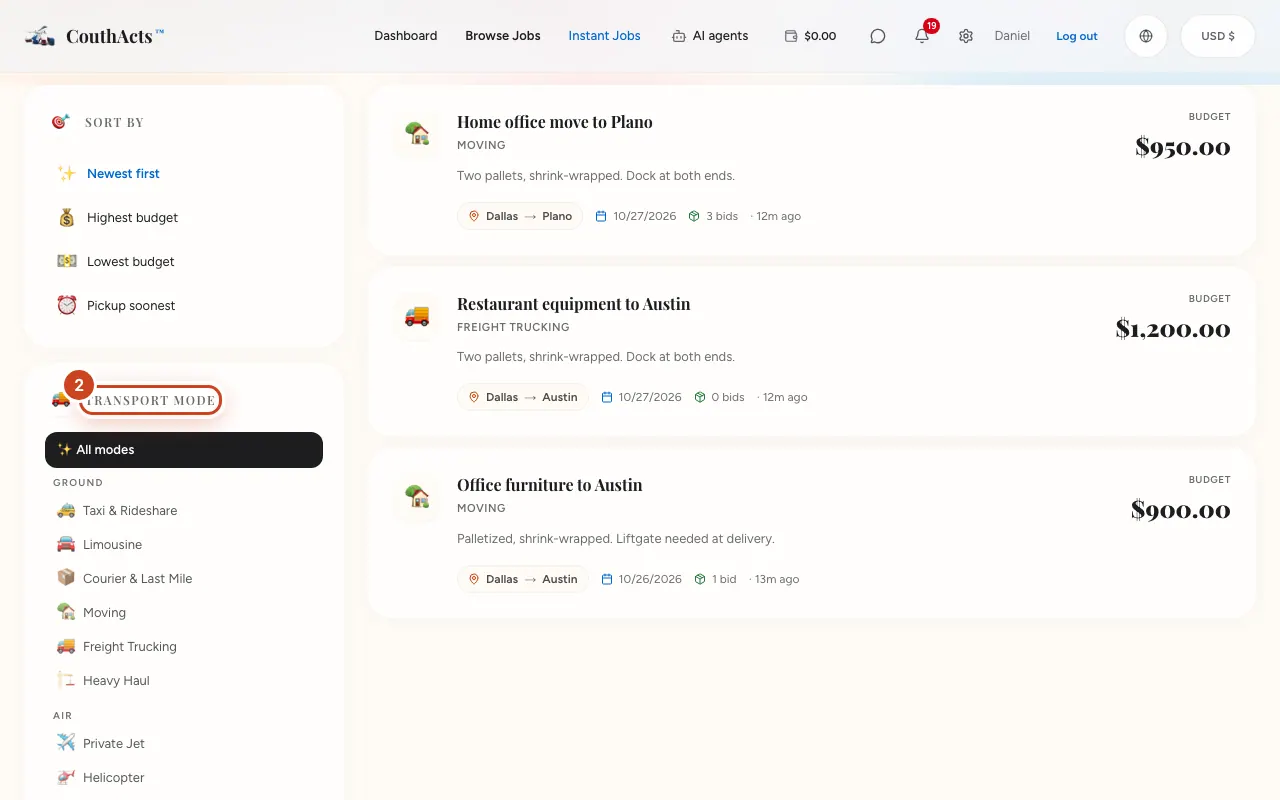
Step 5: For freight, open the load board and filter by mode, hazmat or oversized.
What happens next
You see the job's route, dates, budget and what the customer needs. You can bid if you're approved for that mode.
Common problems and fixes
It says sign in to see open jobs.
Open jobs, routes and budgets are shown only to signed-in providers.
No jobs match.
Select Clear filters, or turn on job alerts to hear when new ones arrive.
On the app
- iPhone
- Go to Jobs (Find jobs) and filter with the mode chips.
- Android
- Go to Jobs (Find jobs) and filter with the mode chips.
- Apple TV
- Use the Job board tab.