Place a bid
Offer your price and a short message. The customer is told straight away.
- Who it's for
- Providers approved for the job's mode.
- What you need first
- A verified identity and an approved service for the job's mode.
- Time needed
- About 2 minutes
Steps
Screenshots show the website with demo data. The CouthActs apps work the same way; differences are under “On the app”.
Step 1: Open the job from Browse Jobs.
Step 2: Read the route, dates, budget and details.
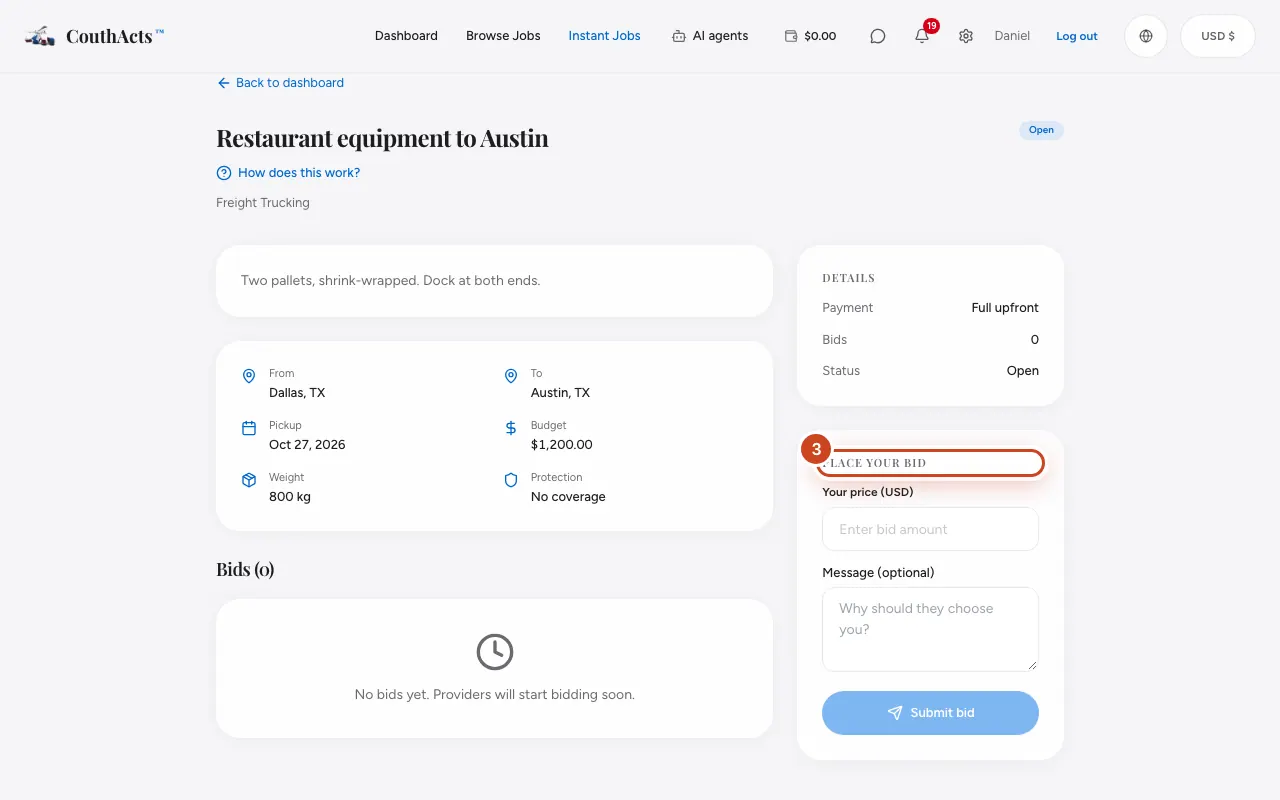
Step 3: Under Place your bid, type Your price (USD).
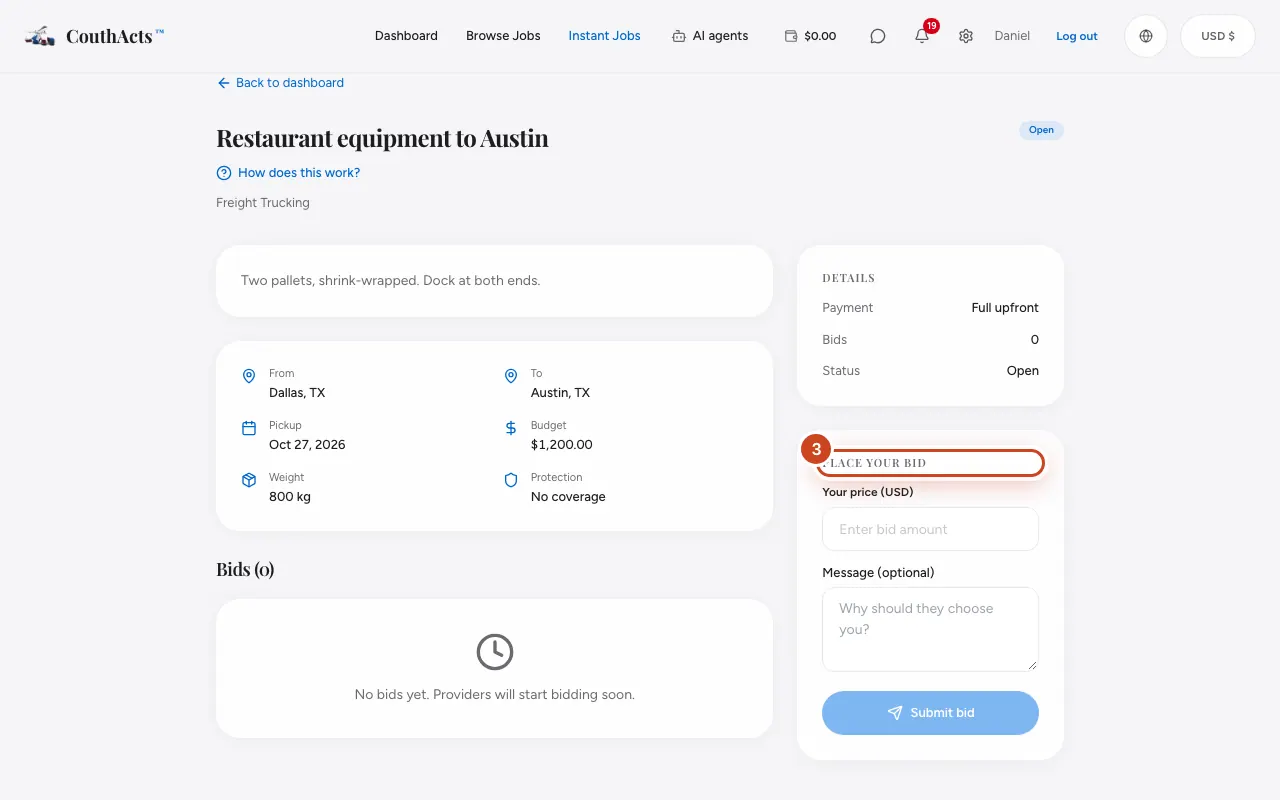
Step 4: Write a short Message (optional): why they should choose you.
Step 5: Select Submit bid.
What happens next
The customer gets your bid. If they accept, you get a notification and the booking appears on your dashboard with the money already held in escrow.
Common problems and fixes
It says get verified to start bidding.
Verify your identity and get the mode approved. See Get verified for your services.
It says only WorkPair Verified providers can bid.
Some business and government jobs require WorkPair Registry Verified providers. See Become WorkPair Registry Verified.
It says the job isn't taking bids.
It's been booked or has expired. Find another job.
On the app
- iPhone
- Open the job and tap Place a bid, then Submit bid.
- Android
- Open the job and tap Place a bid, then Submit bid.
- Apple TV
- Select Submit bid and type your price with the number pad.