Set up your provider profile
Four short steps: business info, the transport modes you offer, your fleet and service areas, and payouts.
- Who it's for
- New providers.
- What you need first
- Your business name, and DOT, MC, FAA or IMO numbers if you have them.
- Time needed
- About 5 minutes
Steps
Screenshots show the website with demo data. The CouthActs apps work the same way; differences are under “On the app”.
Step 1: Open your dashboard and select Complete onboarding.
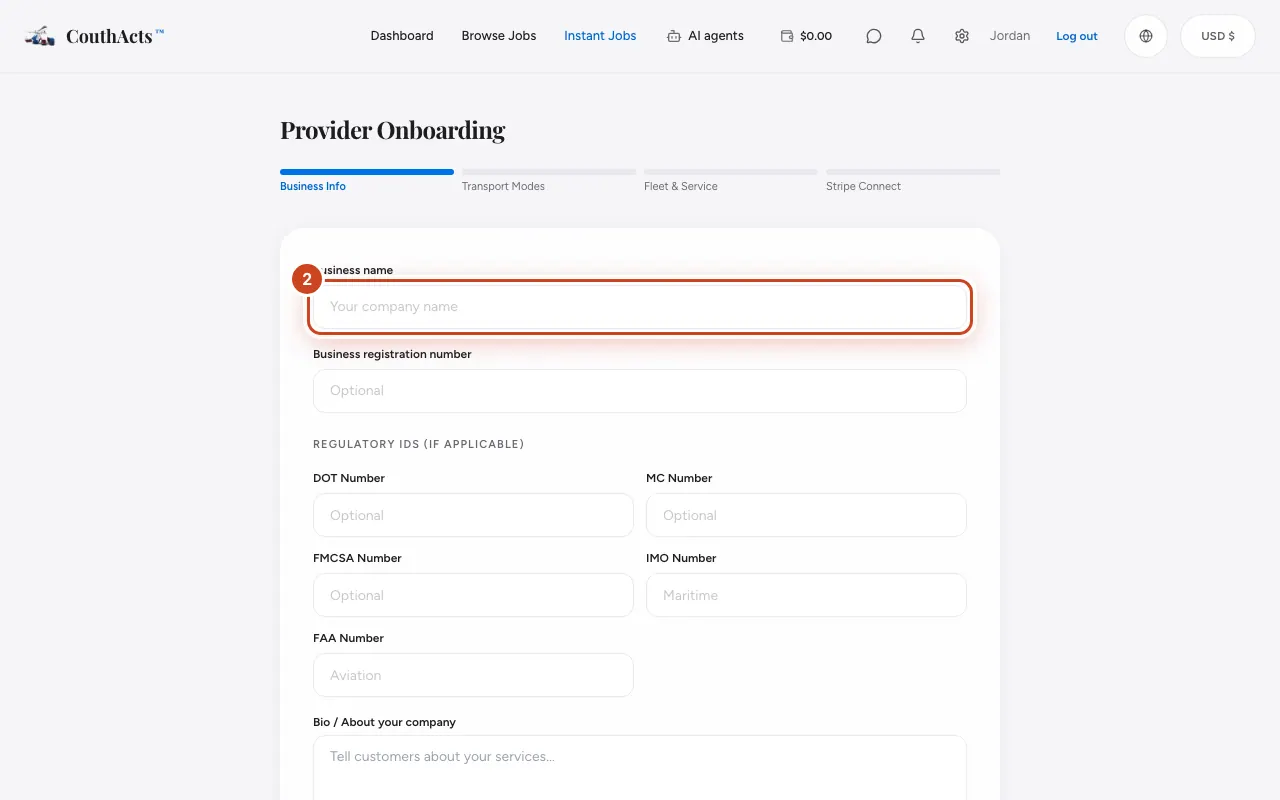
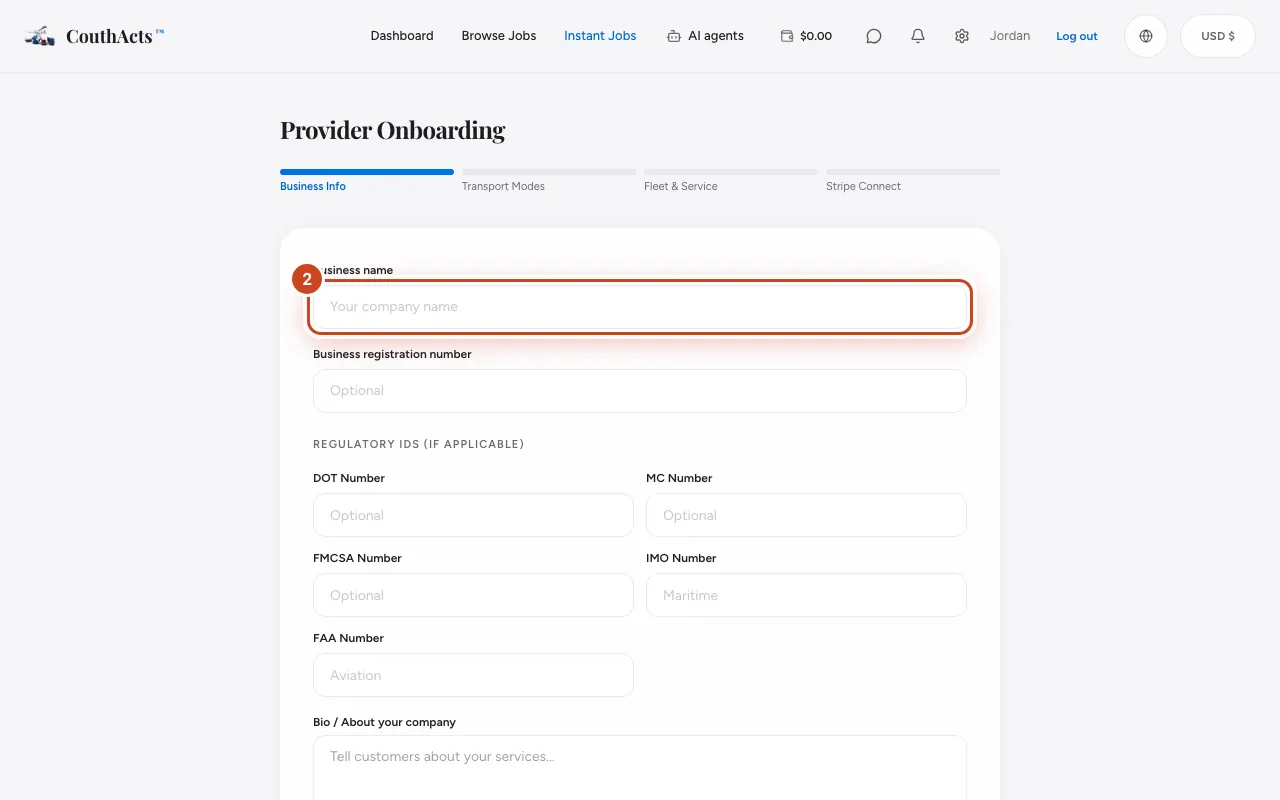
Step 2: On Business Info, type your Business name, regulatory numbers and a short bio. Select Next.
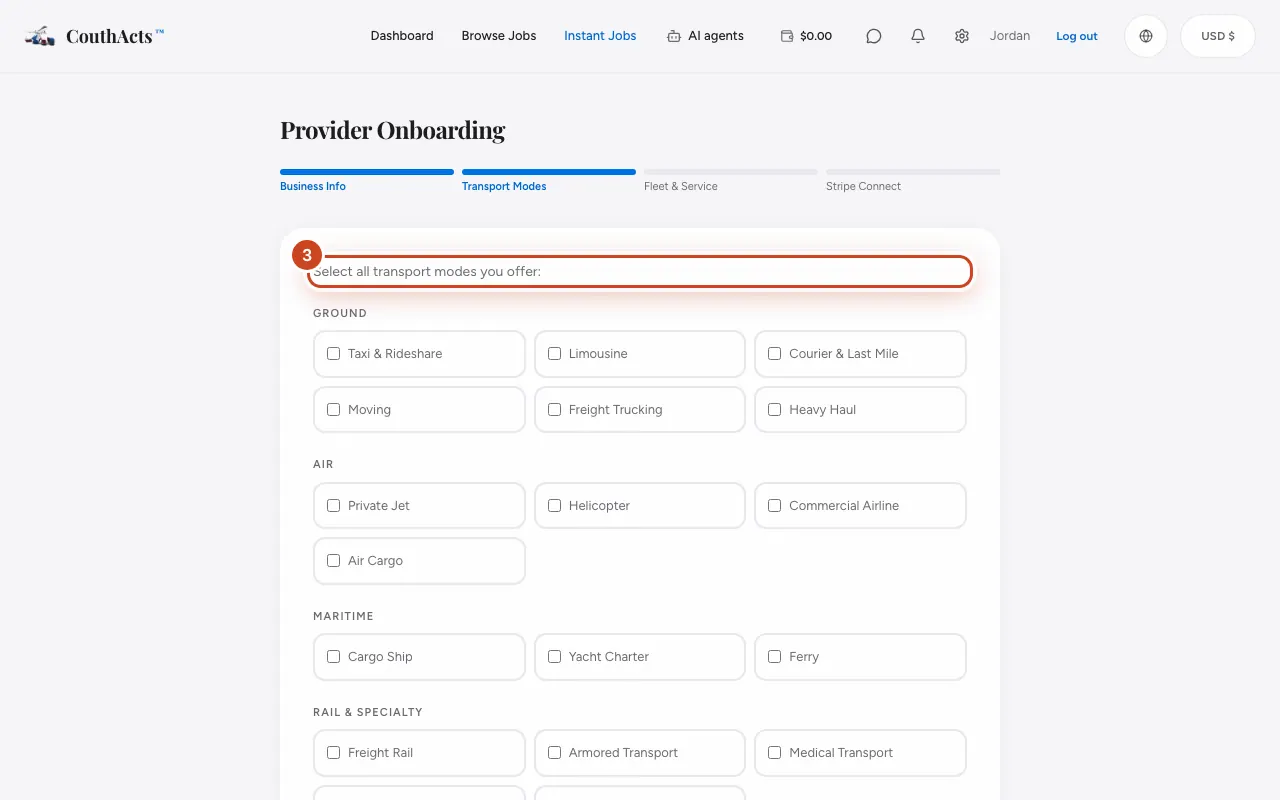
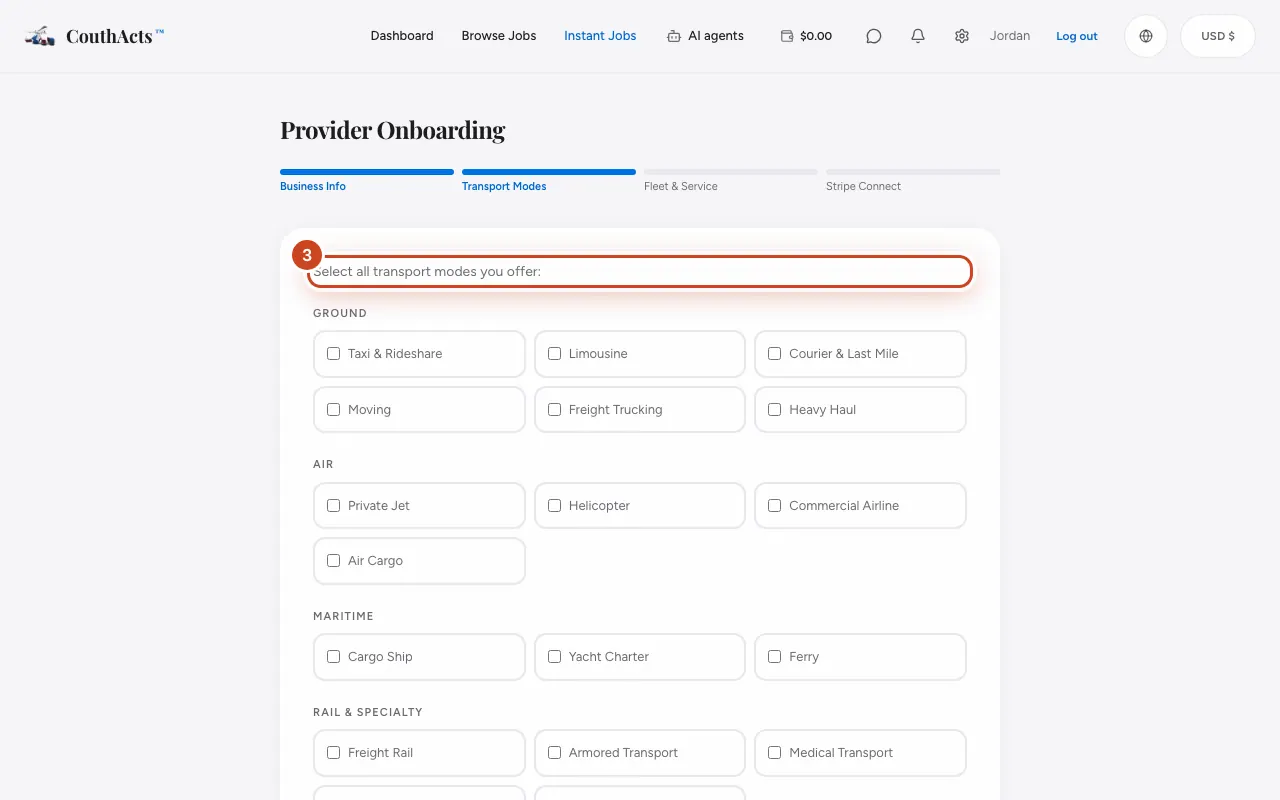
Step 3: On Transport Modes, select every mode you offer. Select Next.
Step 4: On Fleet & Service, add your Fleet size, certifications and service areas.
Step 5: Tick the agreement box and select Create provider profile.
Step 6: Select Connect with Stripe to set up payouts now, or Skip for now — I’ll do this later.
What happens next
Your provider profile exists. To bid, verify your identity and get each service approved. See Get verified for your services.
Common problems and fixes
I don't have a DOT or MC number.
Leave it blank if your modes don't need one. The verification page tells you what each mode requires.
I skipped Stripe.
Set up payouts any time. See Connect your payout account.
On the app
- iPhone
- Go to Account → Set up your provider profile.
- Android
- Go to Account → Set up your provider profile.
- Apple TV
- Apple TV shows a QR code (Set up your provider profile).