Choose the right transport mode
CouthActs has 18 transport modes in four groups. The mode decides the form you fill in, the minimum budget and which providers can bid.
- Who it's for
- Customers.
- What you need first
- A rough idea of what you're moving and how far.
- Time needed
- About 2 minutes
Steps
Screenshots show the website with demo data. The CouthActs apps work the same way; differences are under “On the app”.
Step 1: On Post a job, look at the four groups: Ground, Air, Maritime and Rail & Specialty.
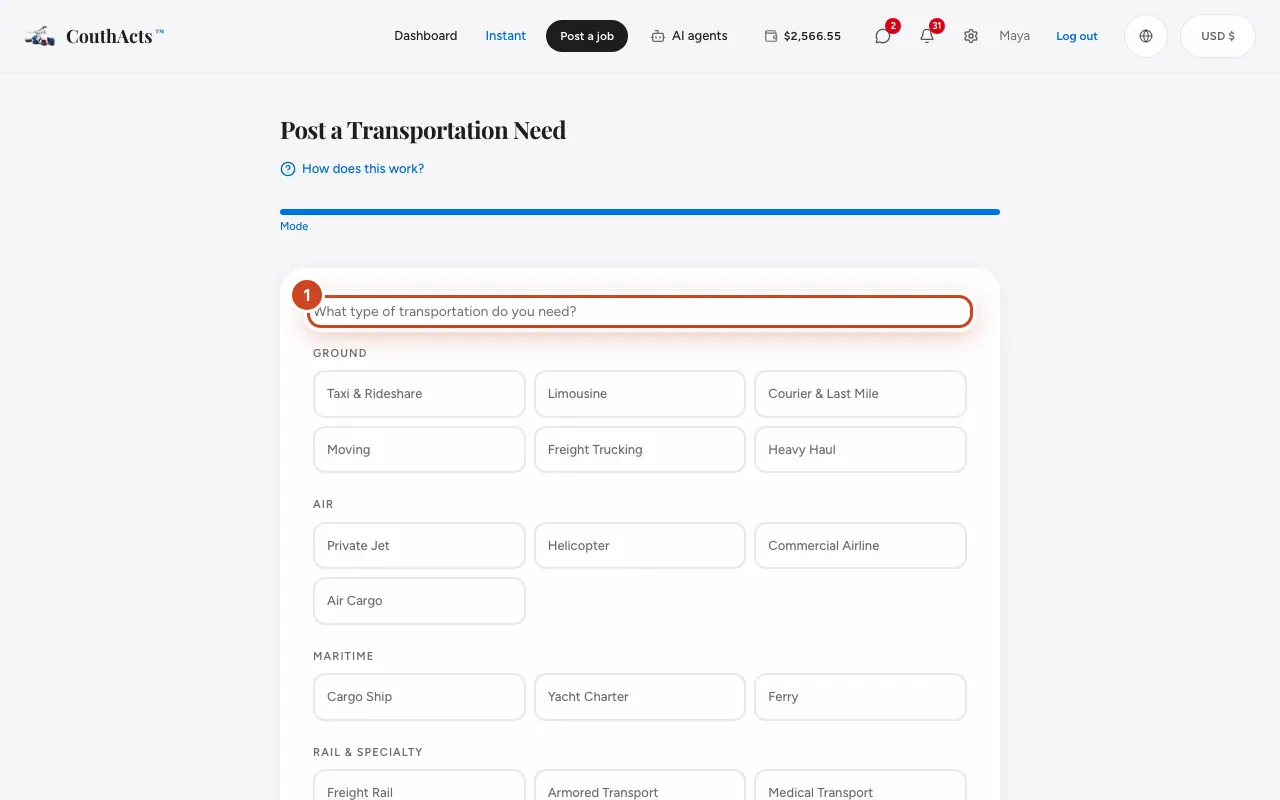
Step 2: Pick people transport (such as Taxi & Rideshare or Limousine) when passengers travel.
Step 3: Pick Courier & Last Mile for parcels, Moving for a home or office, and Freight Trucking for pallets and loads.
Step 4: Pick a specialty mode, such as Hazmat, Medical Transport or Armored Transport, when the goods need special handling or licences.
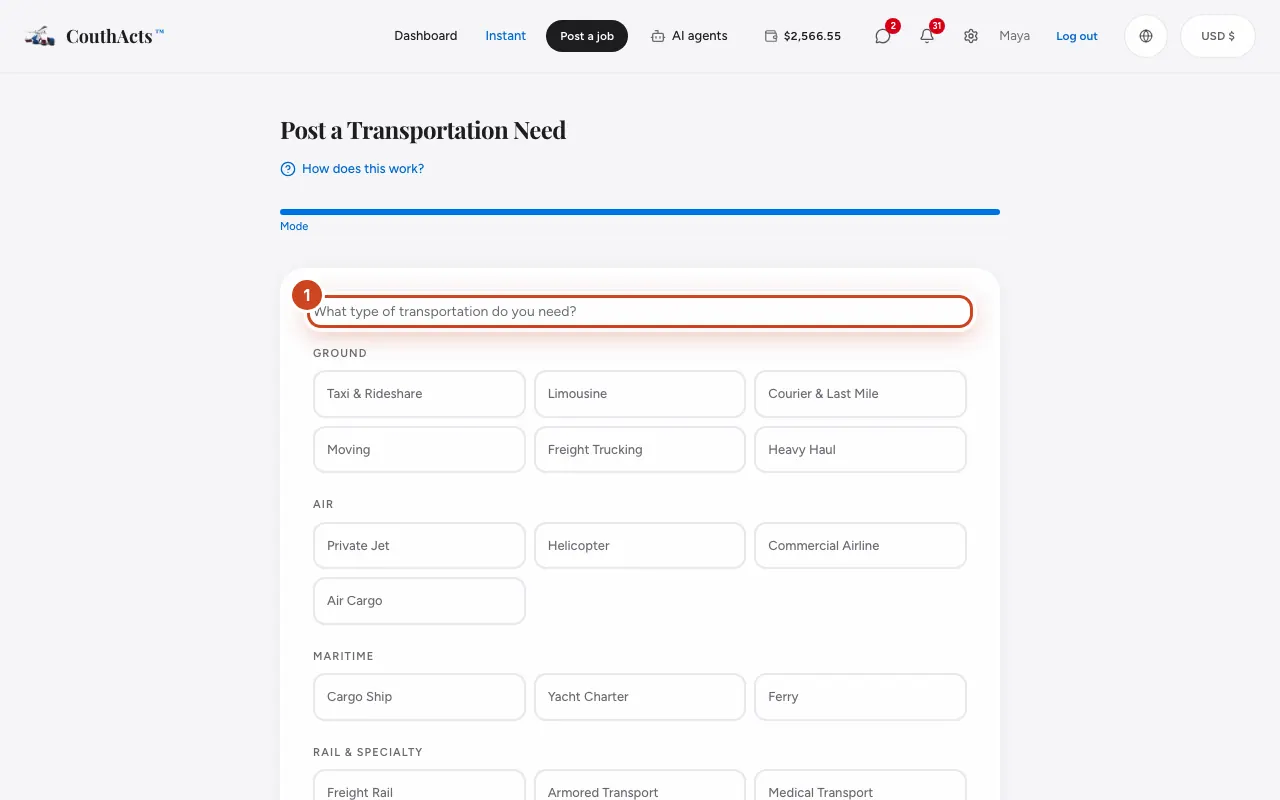
Step 5: Select Next. The form changes to ask what that mode needs.
What happens next
Taxi, limousine and courier jobs take one more step. Moving takes two. Every other mode asks for route, details, schedule and budget, then protection and tracking. Only providers approved for that mode can bid.
Common problems and fixes
Why must I choose Elite Protection?
Hazmat, oversized cargo, heavy haul, armored, medical, private jet and yacht charter jobs require Elite Protection. See Choose a Protection Plan.
Medical transport: what should I write?
Only what the provider needs, such as a wheelchair, stretcher or oxygen. Don't include diagnoses or medical records.
I need a ride right now.
Use Instant for taxi, limo and courier.