Get a price estimate
See what a job usually costs before you post: on route pages, in the posting form's price guidance, or by asking a connected AI assistant.
- Who it's for
- Customers and first-time visitors.
- What you need first
- Your route and transport mode.
- Time needed
- About 2 minutes
Steps
Screenshots show the website with demo data. The CouthActs apps work the same way; differences are under “On the app”.
Step 1: Open a route page, such as the moving routes, to see a typical price range for that route.
Step 2: Or start Post a job and fill in your route.
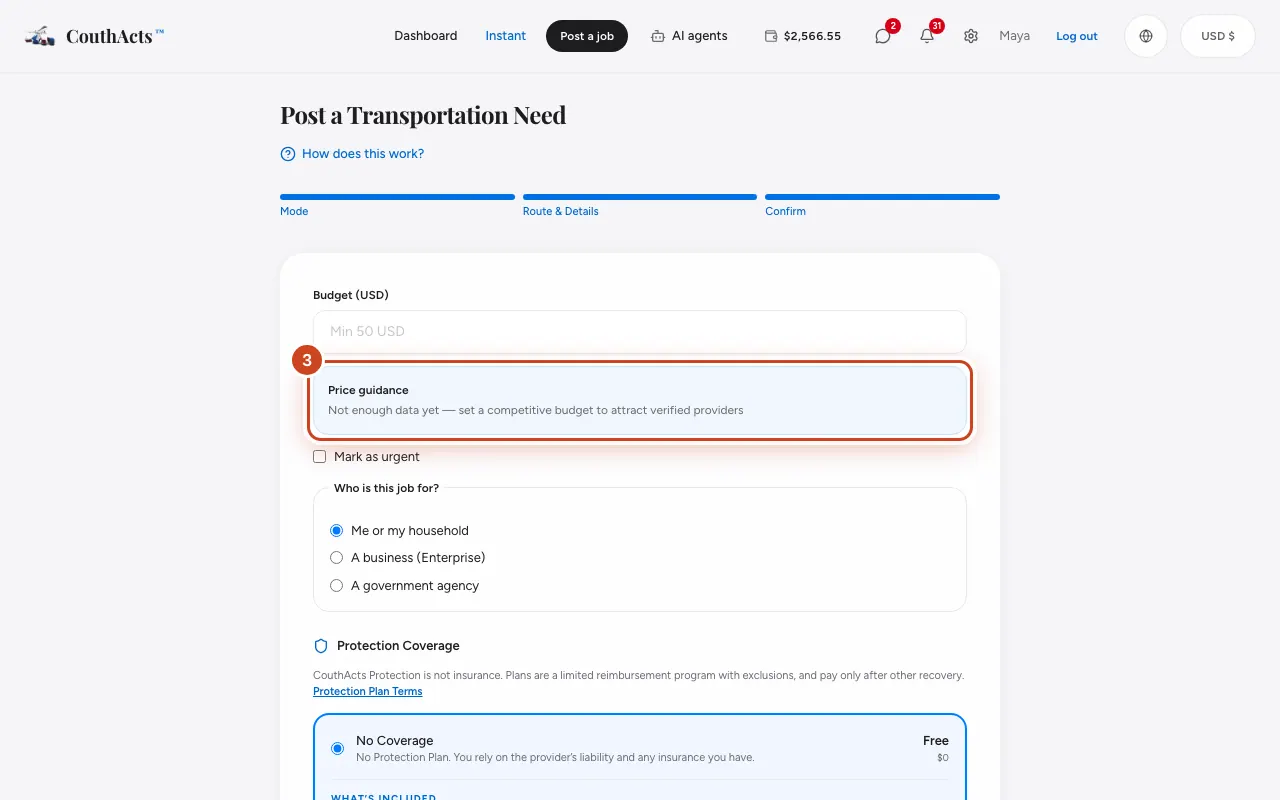
Step 3: On the budget step, read the Price guidance box.
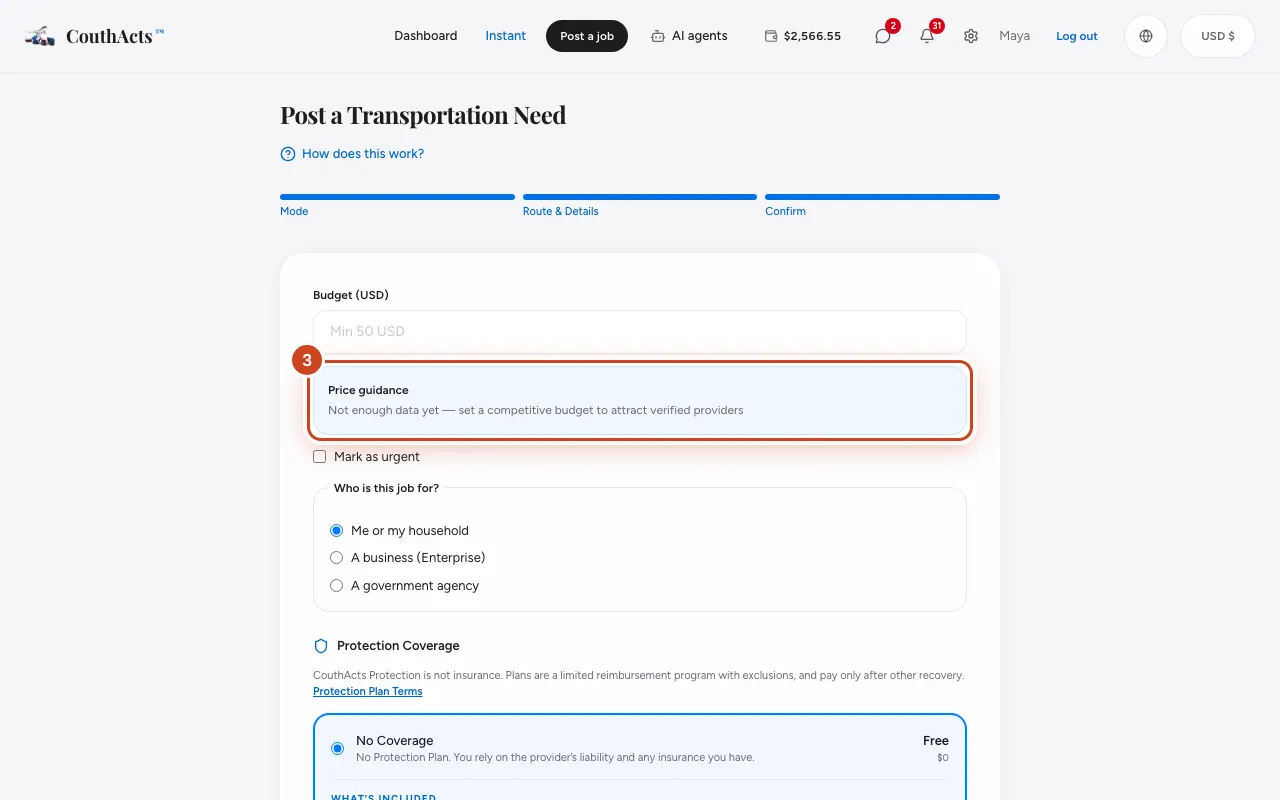
Step 4: To use that figure, select Use the typical budget (…).
What happens next
The guidance is based on similar recent jobs and isn't a fixed price. Providers send their own offers, and you choose which one to accept, if any.
Common problems and fixes
It says there isn't enough data yet.
There aren't many similar jobs on that route yet. Set a budget you think is fair; providers can still bid.
Can my AI assistant get a quote?
Yes. A connected assistant with the “Get quotes” permission can estimate a price. See Connect Claude or ChatGPT.