How CouthActs works
A five-minute tour: you post what needs moving, verified providers send offers, your money is held until the job is done, and every step is recorded.
- Who it's for
- Anyone who is new to CouthActs.
- What you need first
- Nothing. You don't need an account to look around.
- Time needed
- About 5 minutes
- Post the job
- Verified providers bid
- Accept a bid
- Money held in escrow
- Pickup starts
- Check-ins signed on the way
- Delivery confirmed with PIN
- 24-hour hold
- Payout and review
Steps
Screenshots show the website with demo data. The CouthActs apps work the same way; differences are under “On the app”.
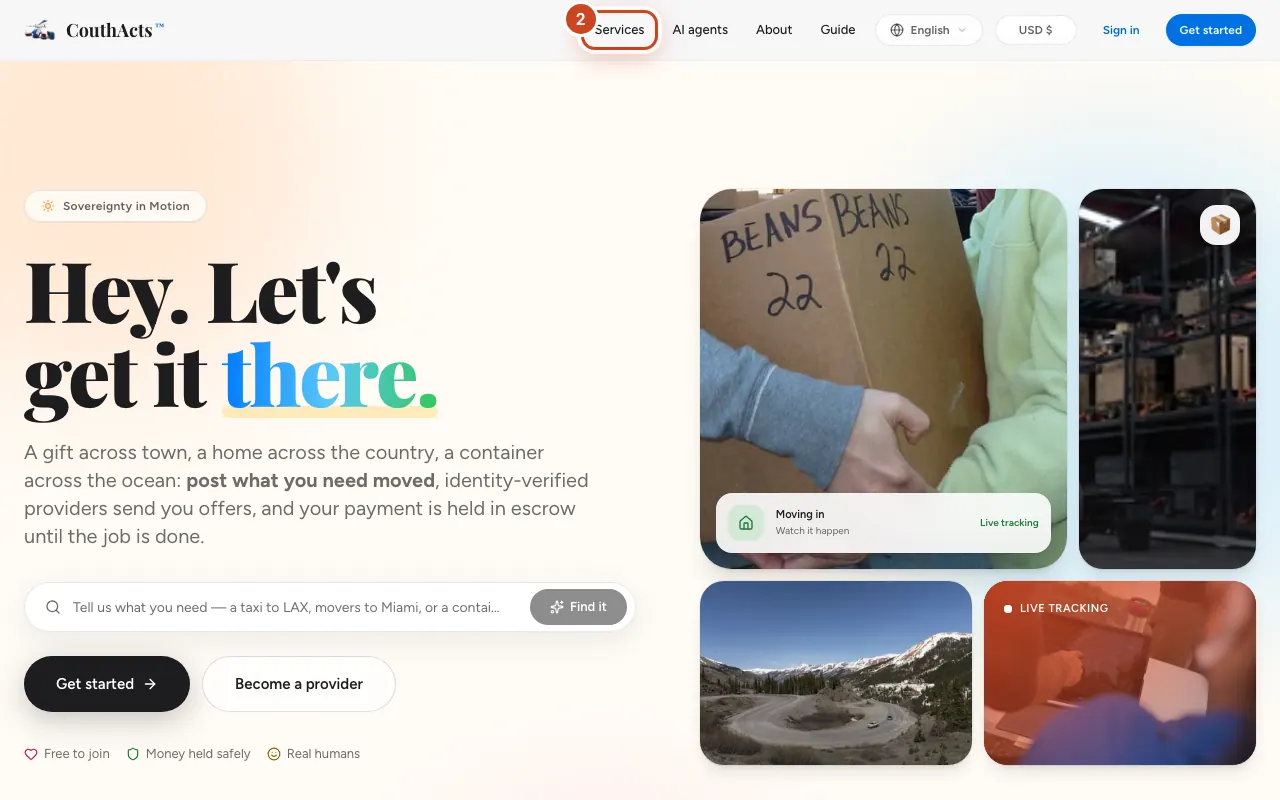
Step 1: Go to couthacts.com. The top of the page shows the tagline “Sovereignty in Motion”.
Step 2: Select Services to see the 18 ways to move things, from a taxi ride to a cargo ship.
Step 3: Select a service to read what it covers, what providers need and what it usually costs.
Step 4: Open a route page from the freight routes, moving routes or courier routes to see a typical price range for that route.
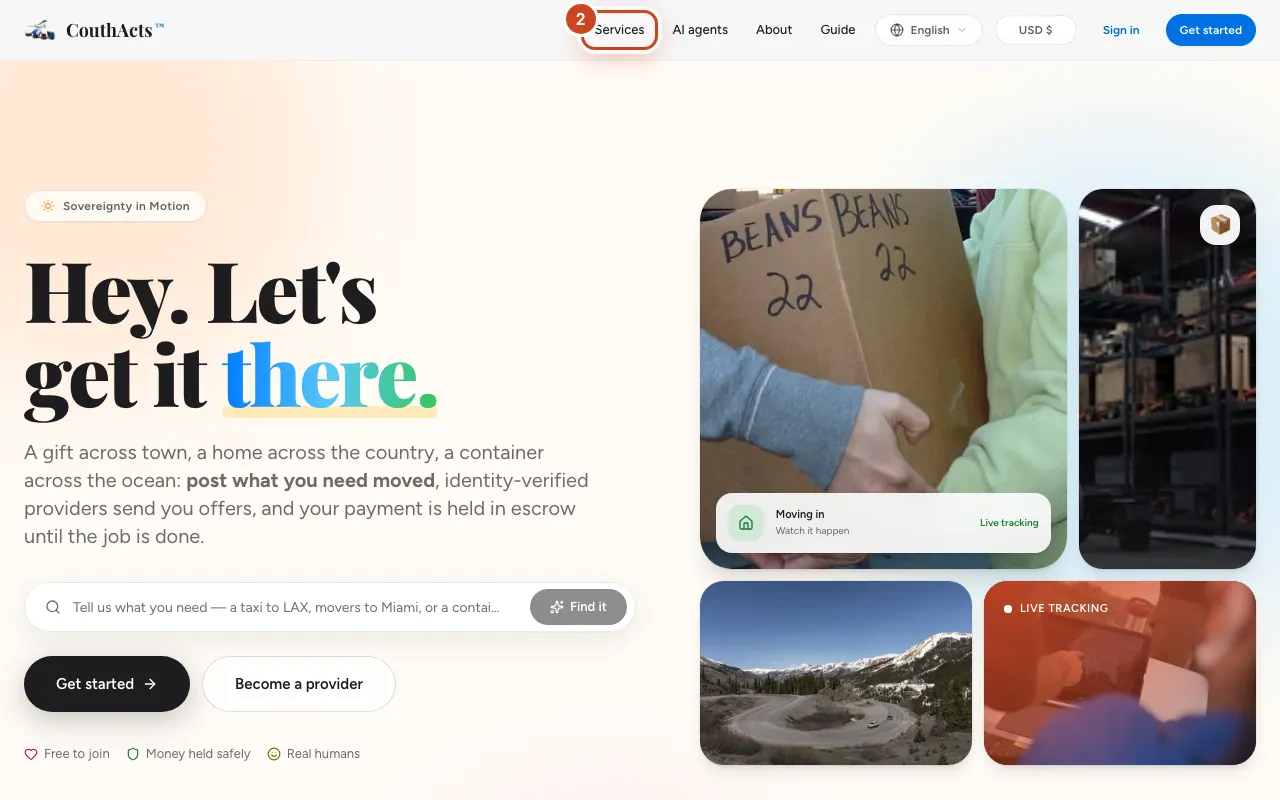
Step 5: When you're ready, select Get started to create a free account.
What happens next
Once you have an account you can post a job. Providers who are verified for that kind of work send you offers, you pick one, and your payment waits in escrow until you both confirm the job is done. The diagram above shows the whole journey.
Common problems and fixes
Do I have to pay to join?
No. Creating an account and verifying your identity are free. You pay a small posting fee only when you post a job, and the fee is shown before you post.
Is CouthActs the carrier?
No. CouthActs is the marketplace: independent providers do the transport. CouthActs verifies them, holds the payment and keeps the record.
Can I see prices before signing up?
Yes. Route pages show typical price ranges, and the posting form shows price guidance for your route before you post. See Get a price estimate.
On the app
- iPhone
- The app opens on a welcome screen with Get started, Become a provider and Track a job.
- Android
- The app opens on a welcome screen with Get something moved, Become a provider, Sign in and Track a job.
- Apple TV
- Apple TV shows a QR code to sign up on your phone, then you sign in on the TV.