Read the legal documents
The Terms, Privacy Policy, Payments Terms, Protection Plan Terms, Provider Agreement and every other document are in the Legal Center.
- Who it's for
- Everyone.
- What you need first
- Nothing.
- Time needed
- About 5 minutes
Steps
Screenshots show the website with demo data. The CouthActs apps work the same way; differences are under “On the app”.
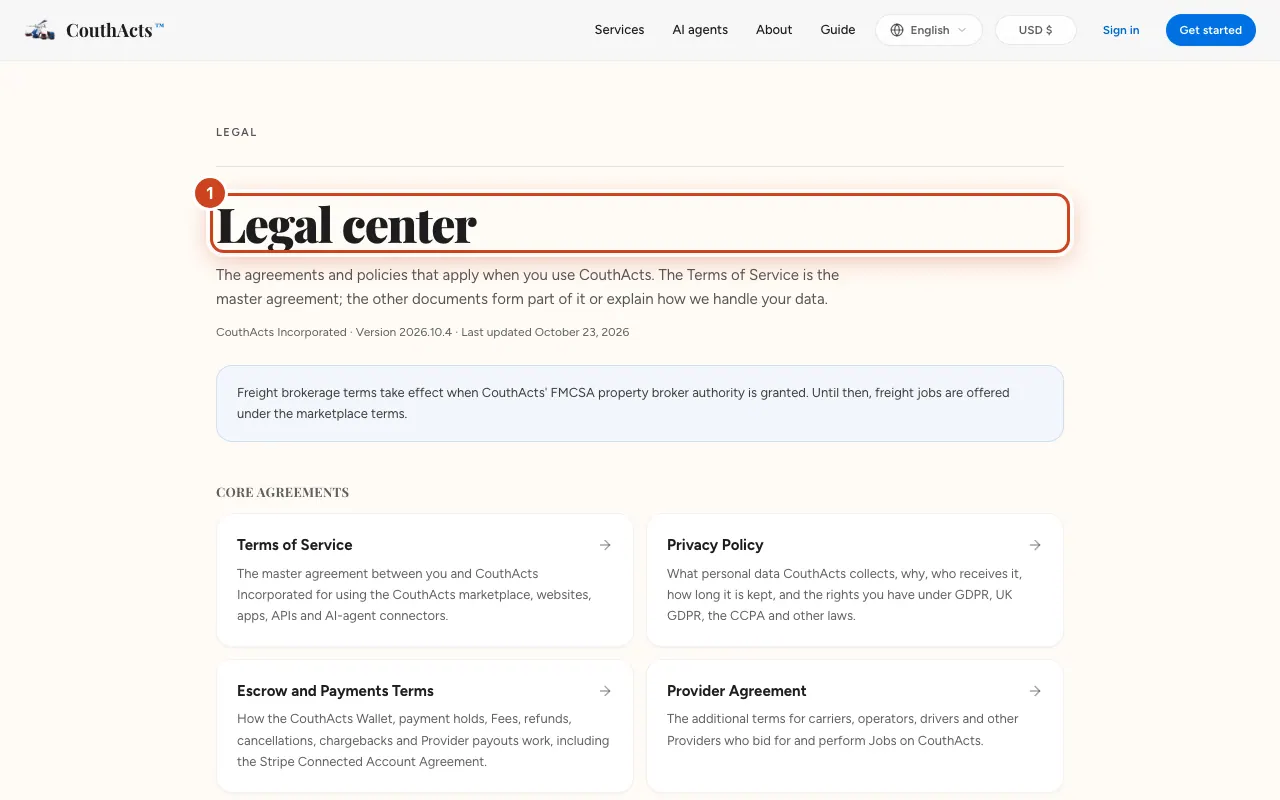
Step 1: Go to the Legal Center.
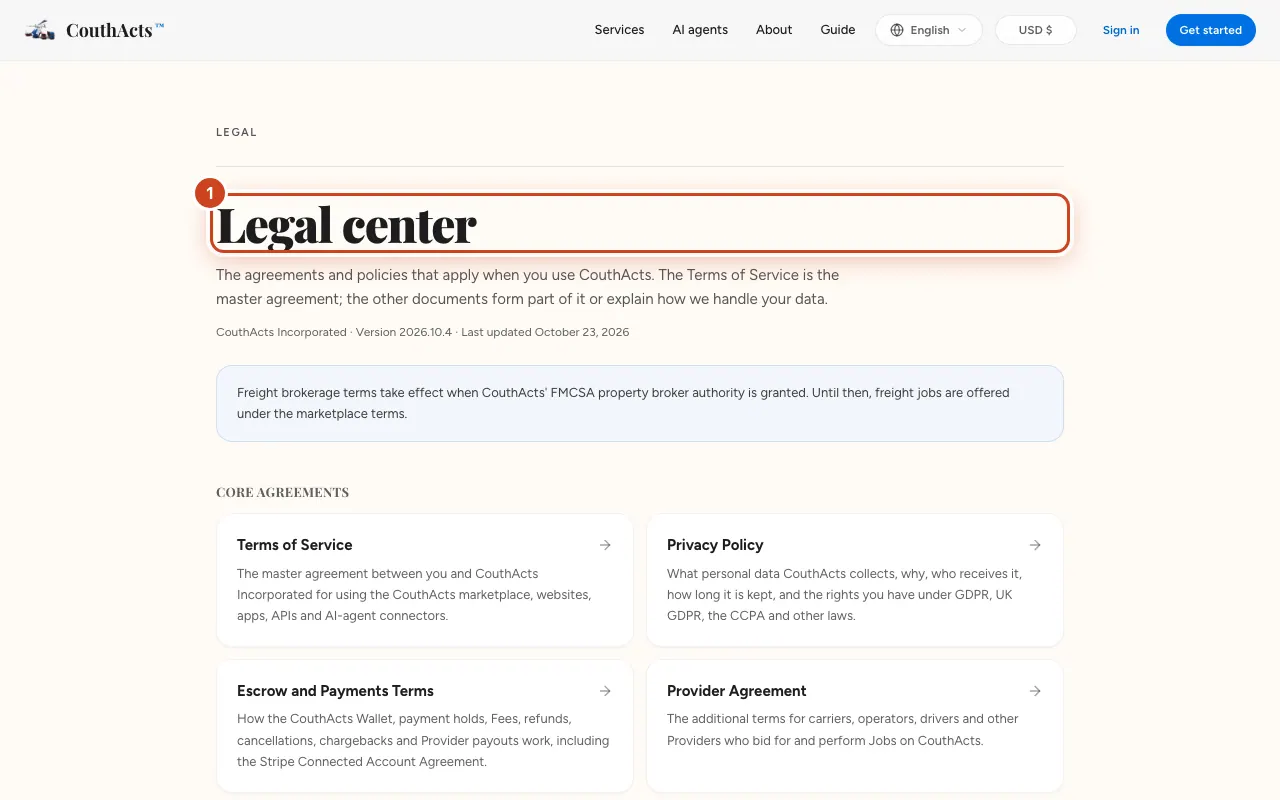
Step 2: Choose a document, such as the Terms of Service or the Privacy Policy.
Step 3: Use the contents list to jump to a section.
Step 4: Use the print button to print or save it.
What happens next
The documents are in English and are the final word on how CouthActs works. Each shows its version and the date it was updated.
Common problems and fixes
I can't find a cookie setting.
Read the Cookie Policy for how cookies are used.
On the app
- iPhone
- Go to Account → Help → Terms of Service or Privacy Policy.
- Android
- Go to Account → Help. Android also has Community Guidelines.
- Mac
- Choose Help → Terms of Service or Privacy Policy.