Get low-balance alerts
Be told when your wallet drops below an amount you choose.
- Who it's for
- Customers and providers.
- What you need first
- Nothing.
- Time needed
- About 1 minute
Steps
Screenshots show the website with demo data. The CouthActs apps work the same way; differences are under “On the app”.
Step 1: Open your wallet and go to Low-balance alerts.
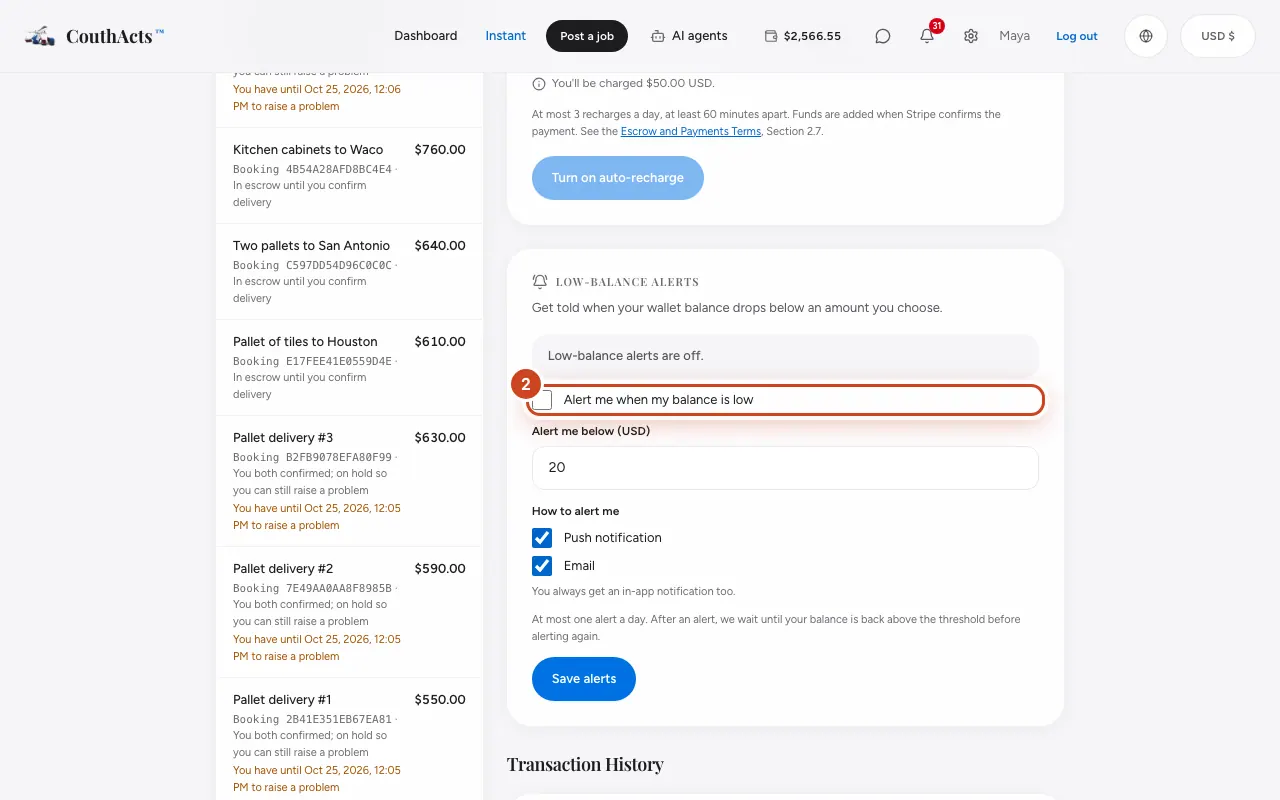
Step 2: Tick Alert me when my balance is low.
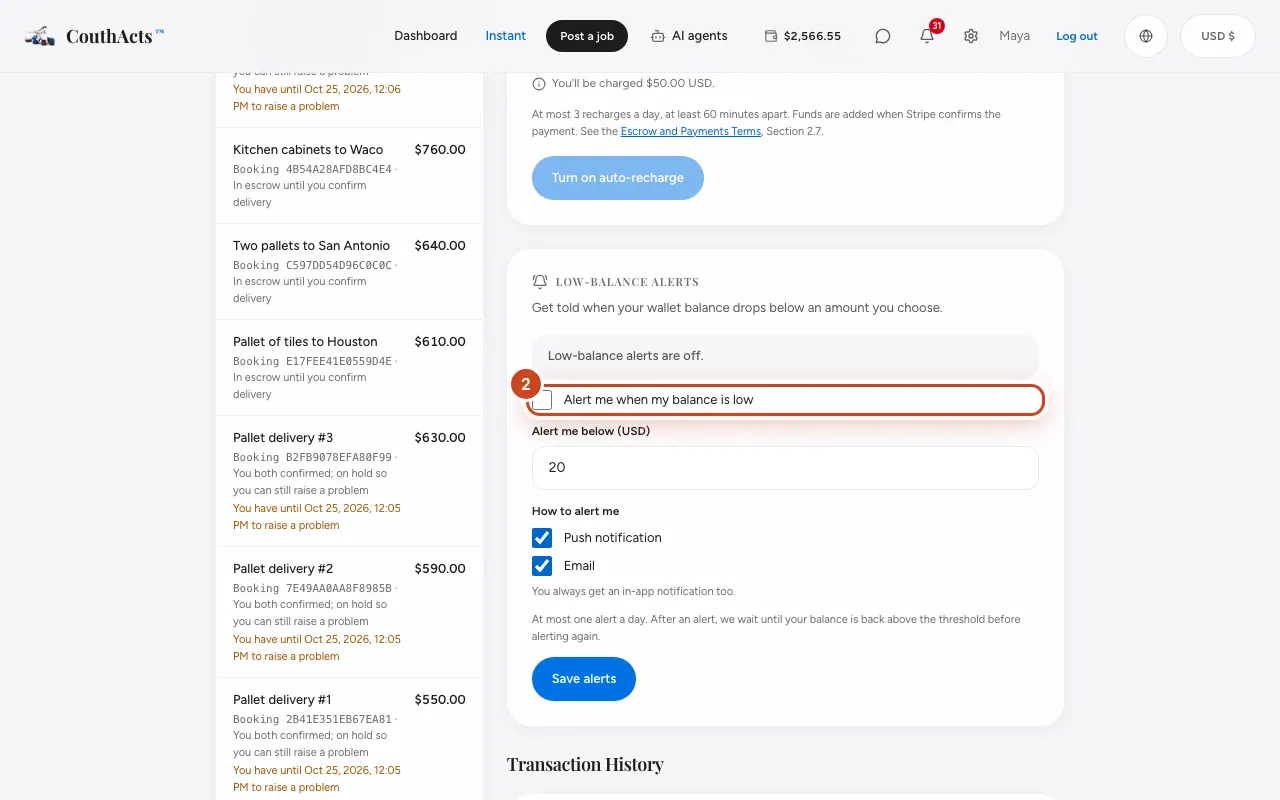
Step 3: Set Alert me below (USD).
Step 4: Under How to alert me, choose Push notification, Email or both.
Step 5: Select Save alerts.
What happens next
You get at most one alert a day. After an alert, CouthActs waits until your balance is back above the amount before alerting again. You always get an in-app notification too.
Common problems and fixes
I want to stop the alert emails only.
Use the link at the bottom of the email, or untick Email here.