Add photo check-ins
Take timestamped photos at pickup, on the way and at delivery. Each one is signed into the booking's custody record.
- Who it's for
- Customers and providers on an active booking.
- What you need first
- An active booking.
- A camera or a photo (JPEG, PNG or HEIC, up to 15 MB).
- Time needed
- About 2 minutes
Steps
Screenshots show the website with demo data. The CouthActs apps work the same way; differences are under “On the app”.
Step 1: Open the booking and go to Photo check-ins.
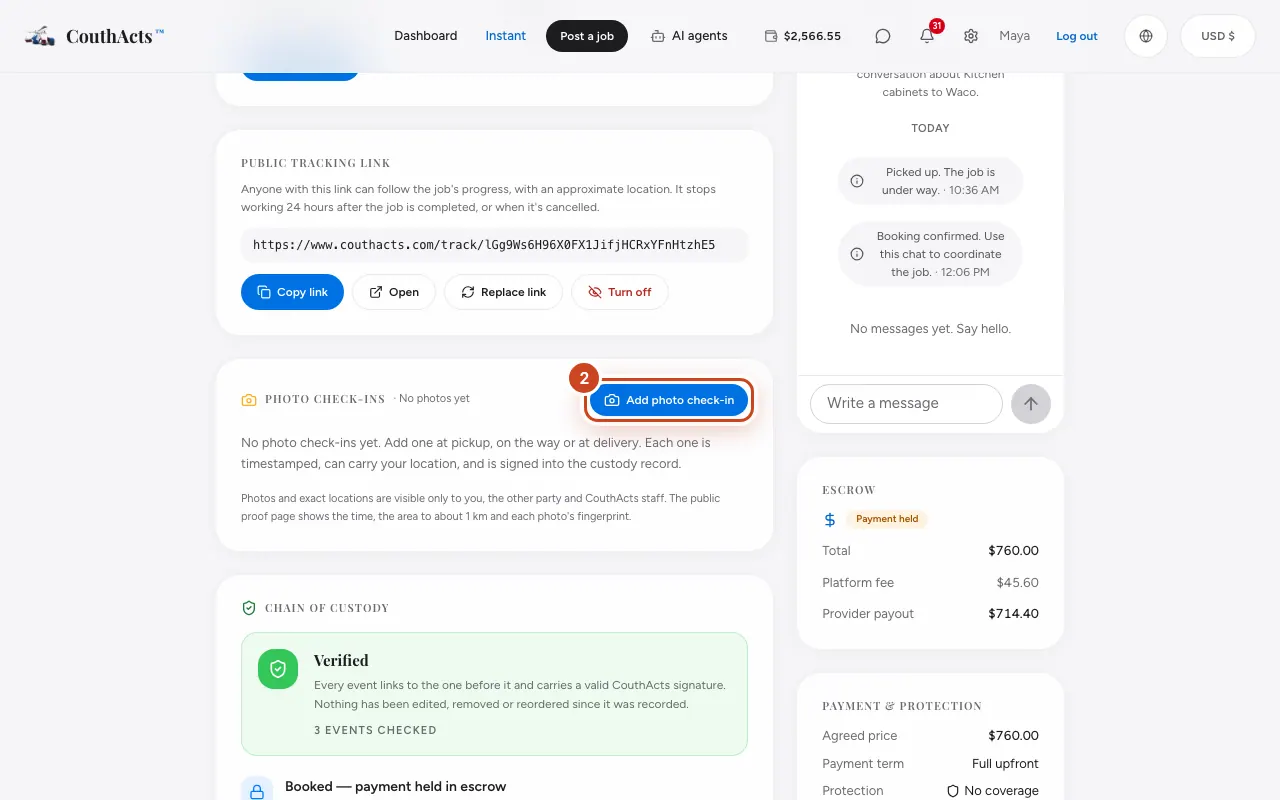
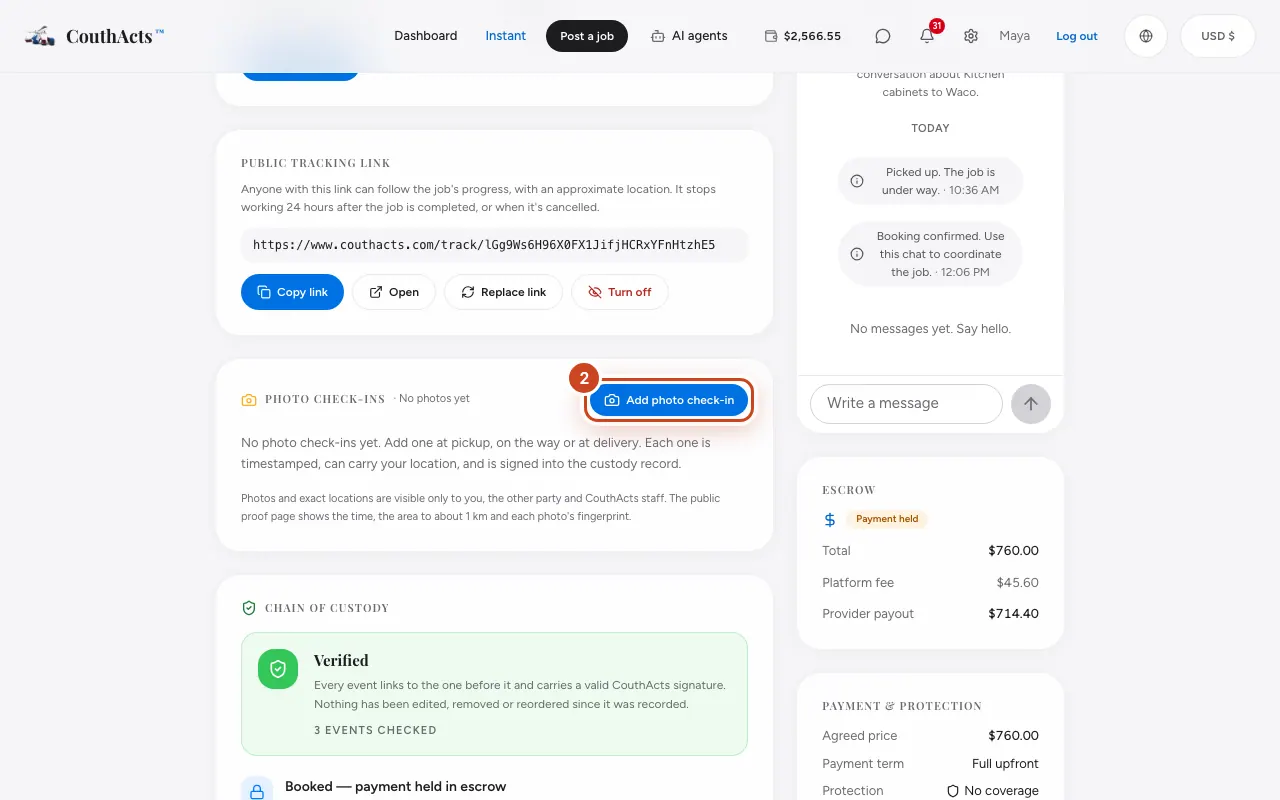
Step 2: Select Add photo check-in.
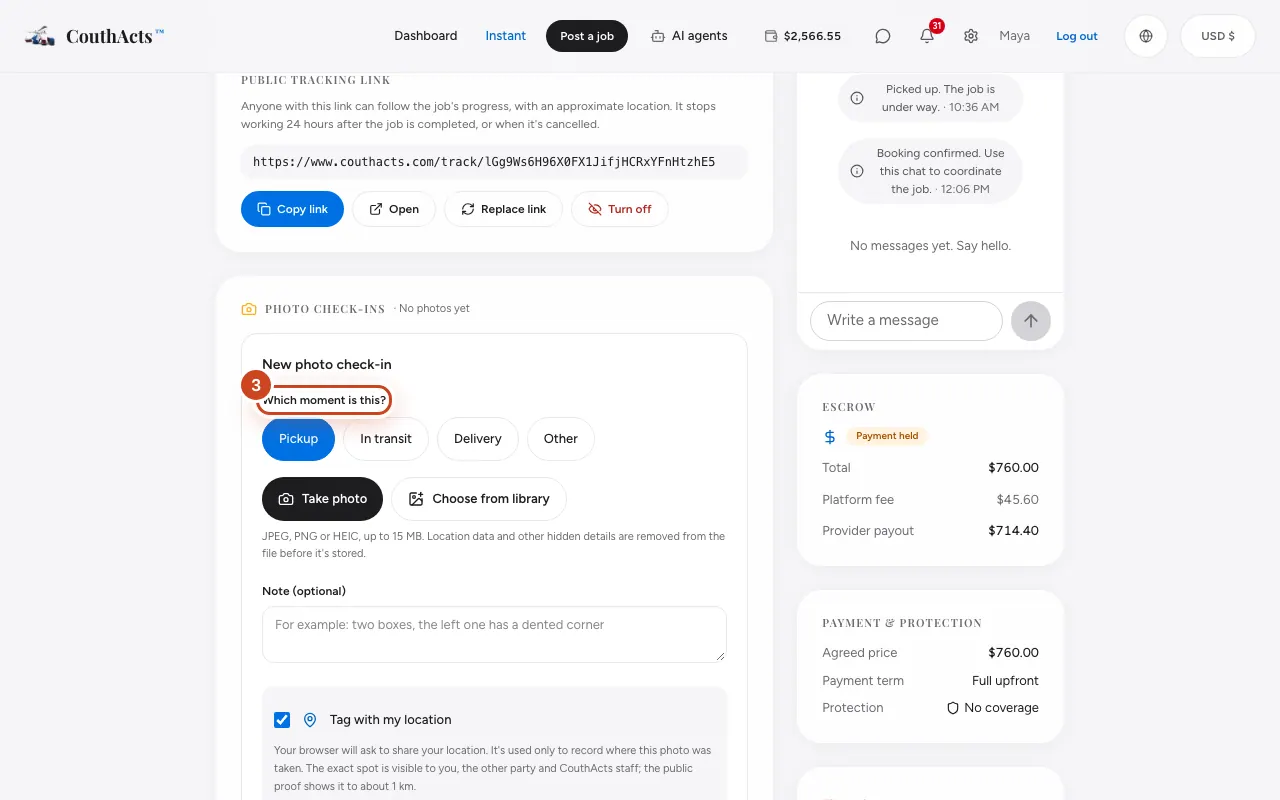
Step 3: Choose the moment: Pickup, In transit, Delivery or Other.
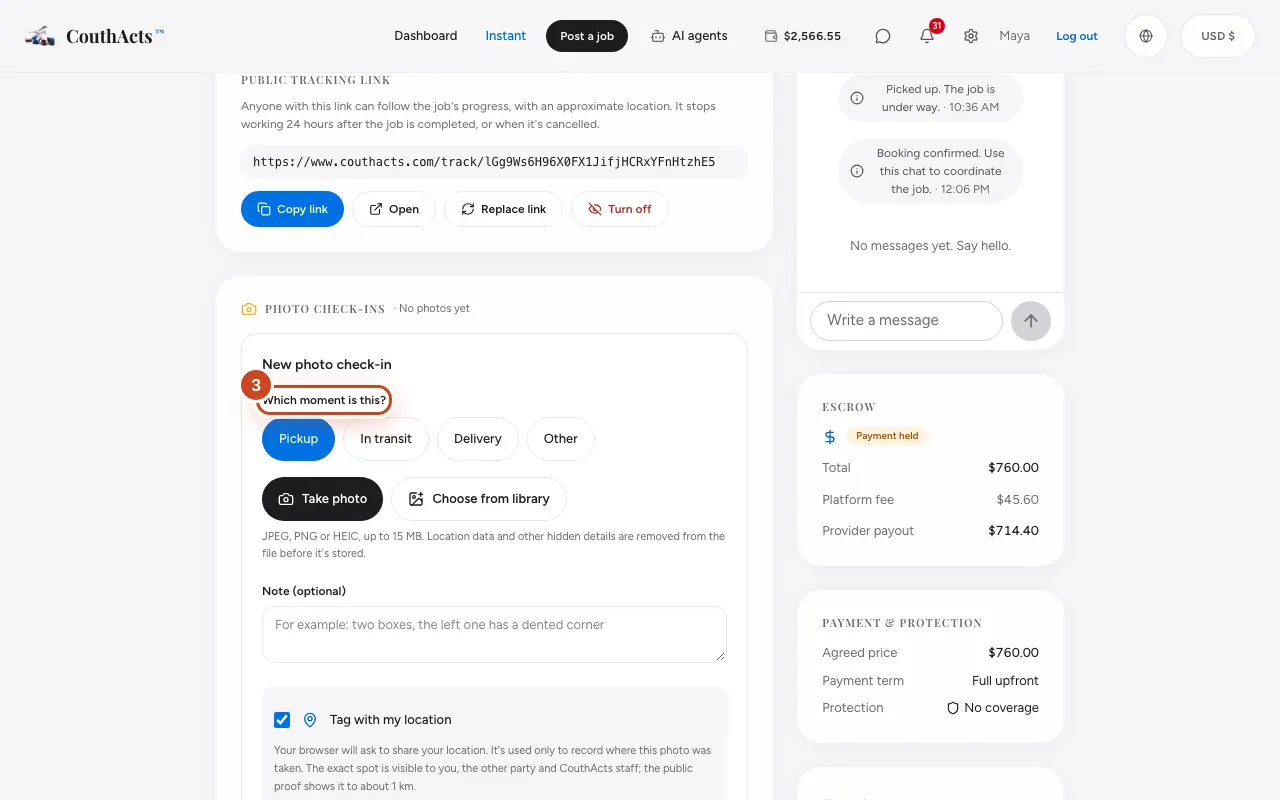
Step 4: Select Take photo or Choose from library.
Step 5: Add a note if it helps, such as a dented corner.
Step 6: Leave Tag with my location on to record where the photo was taken, or turn it off.
Step 7: Select Upload check-in.
What happens next
The photo appears in the list with its time and, if you chose, its location. The other party is told. Photos and exact locations are visible only to you, the other party and CouthActs staff.
Common problems and fixes
It says the booking is complete.
Delivery photos can still be added for 2 hours after completion.
The photo is too large.
Photos must be under 15 MB. Take it again or choose a smaller one.
Can I share one photo with someone else?
Yes. Select Share on the photo, choose how long the link works and select Create link. You can revoke it any time.
On the app
- iPhone
- In the booking, tap Photo check-ins → Add photo check-in, then Take photo or Choose from library.
- Android
- In the booking, tap Photo check-ins → Add photo check-in. You can also upload without location.
- Mac
- Use Choose a file… or the built-in or Continuity camera.
- Apple TV
- Apple TV can show and report check-ins, but not add them.
- Apple Vision Pro
- Photos come from your Photos library.