Message your provider or customer
Each booking has its own chat, from the moment it's confirmed until 48 hours after the job is completed.
- Who it's for
- Customers and providers with a booking.
- What you need first
- A confirmed booking.
- Time needed
- About 1 minute
Steps
Screenshots show the website with demo data. The CouthActs apps work the same way; differences are under “On the app”.
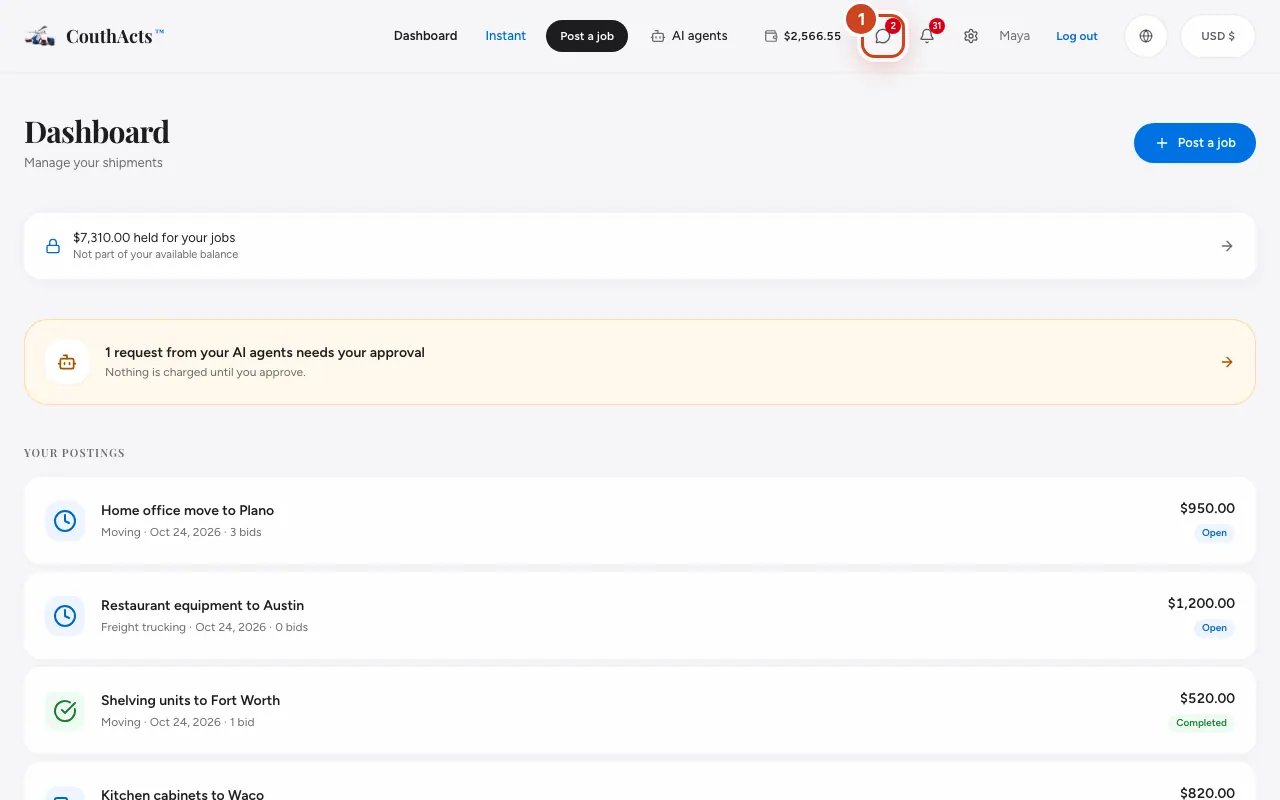
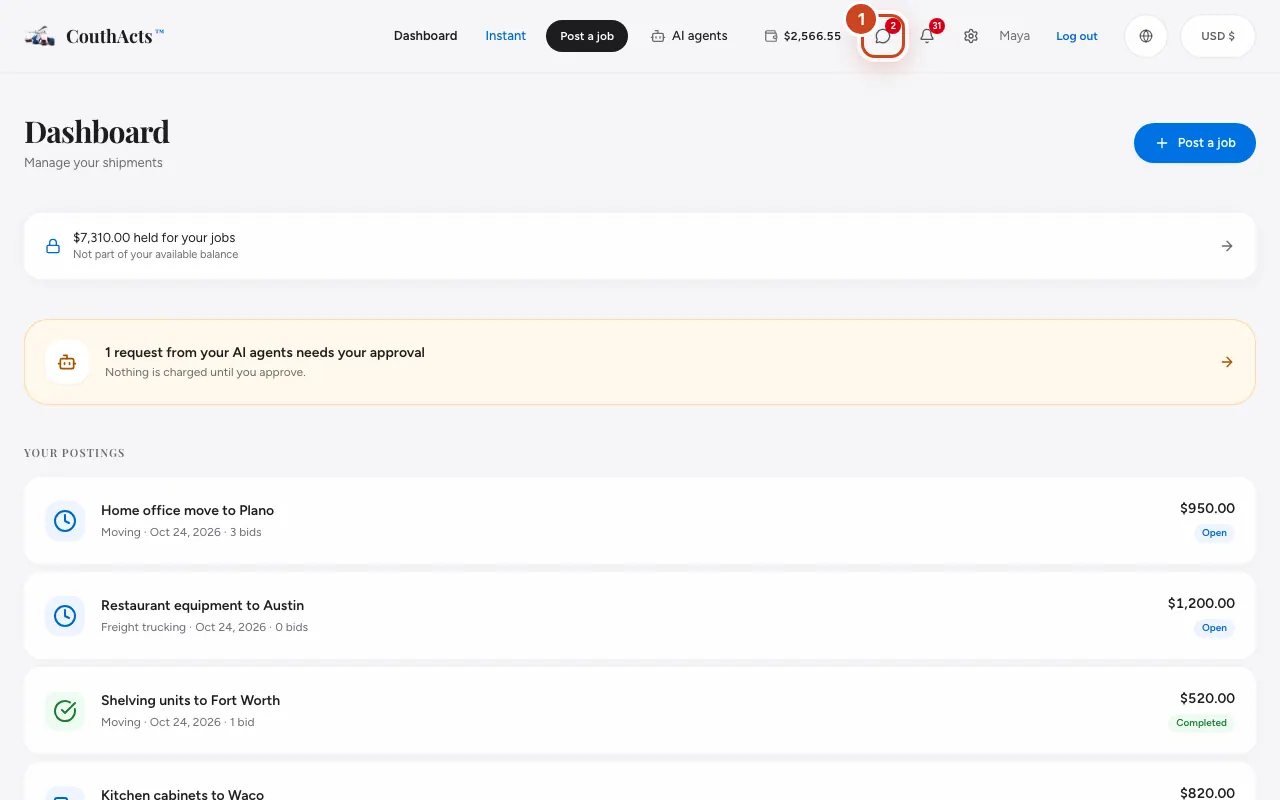
Step 1: Select Messages at the top of the page to see all your conversations.
Step 2: Select the conversation for the booking.
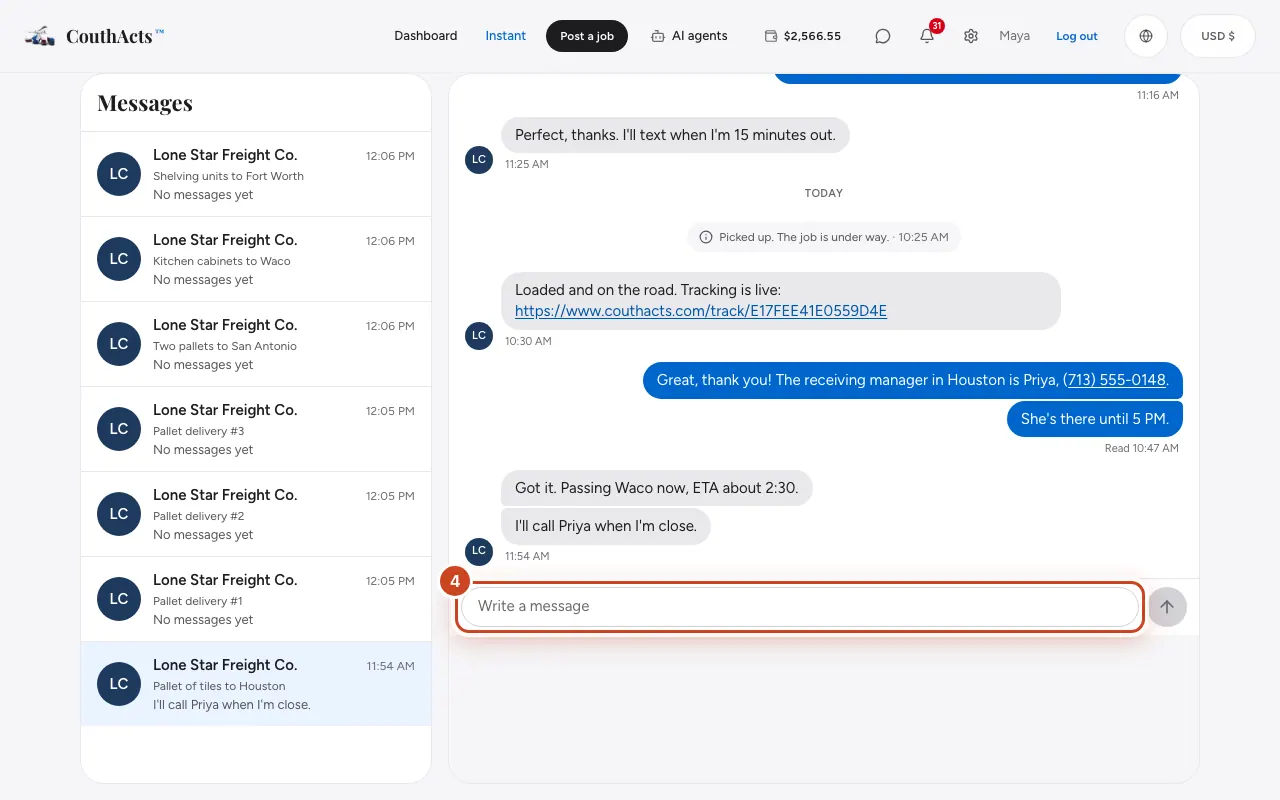
Step 3: Type in the box at the bottom.
Step 4: Select Send.
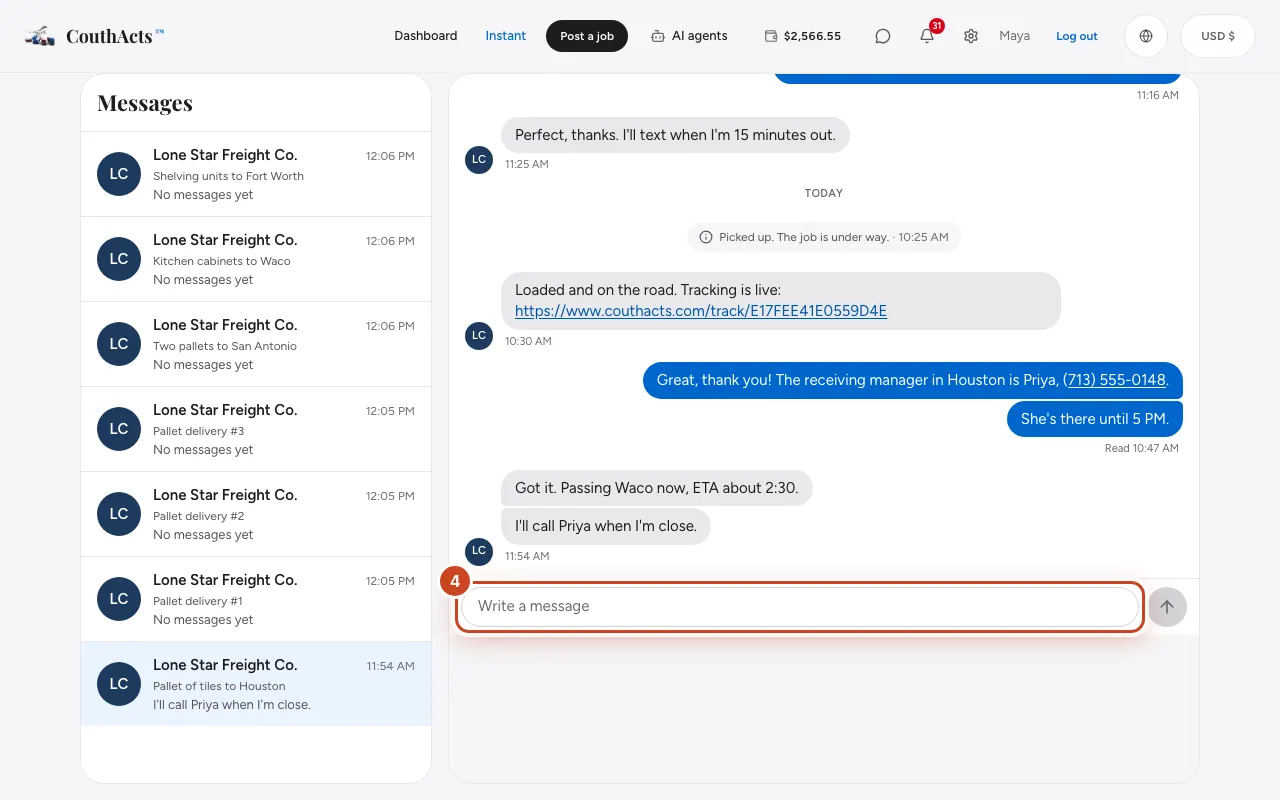
Step 5: Watch the status under your message: Sent, Delivered or Read.
What happens next
The other person gets a notification. The chat closes 48 hours after the job is completed, or when a booking is cancelled. You can still read the history.
Common problems and fixes
It says Not delivered.
Check your connection and select Retry.
It says I can't message this person.
One of you has blocked the other. For anything about the booking, contact CouthActs support.
My message was refused.
Messages with language that isn't allowed on CouthActs are blocked. Please rephrase it.
On the app
- iPhone
- Tap the speech-bubble button at the top of Home or Bookings. You can reply straight from a notification.
- iPad
- Use Messages in the sidebar (Command-4 with a keyboard).
- Android
- Use the Messages tab. The badge shows unread messages.
- Mac
- Use Messages in the sidebar (Command-6).
- Apple TV
- Apple TV shows the chat read-only. Use the QR code to reply on your phone.
- Apple Vision Pro
- Use the Messages tab.