Report or block someone
Report messages, reviews, photos or people that break the rules, and block anyone you don't want to hear from.
- Who it's for
- Customers and providers.
- What you need first
- Nothing.
- Time needed
- About 1 minute
Steps
Screenshots show the website with demo data. The CouthActs apps work the same way; differences are under “On the app”.
Step 1: In a chat, on a review or on a photo, select Report.
Step 2: Choose What's the problem? and add details if you like.
Step 3: Select Send report.
Step 4: To block the person, select Block and confirm.
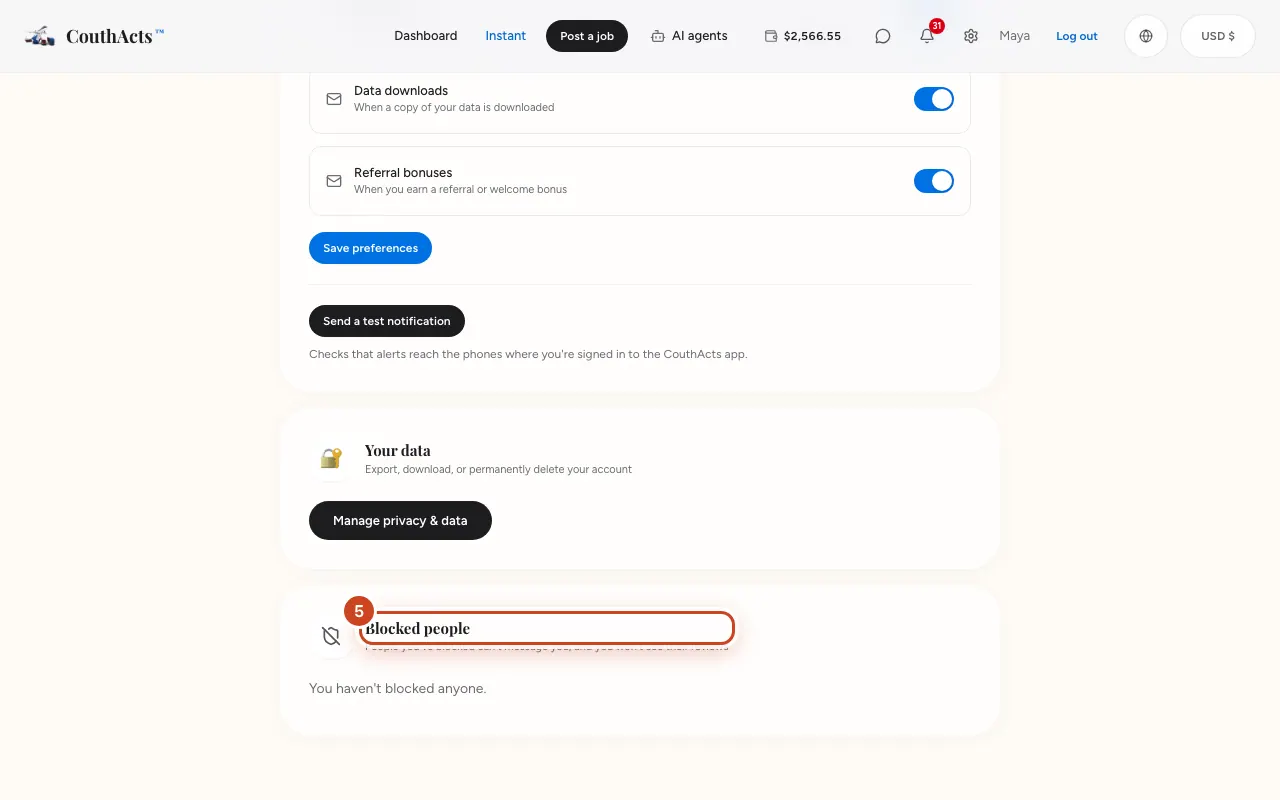
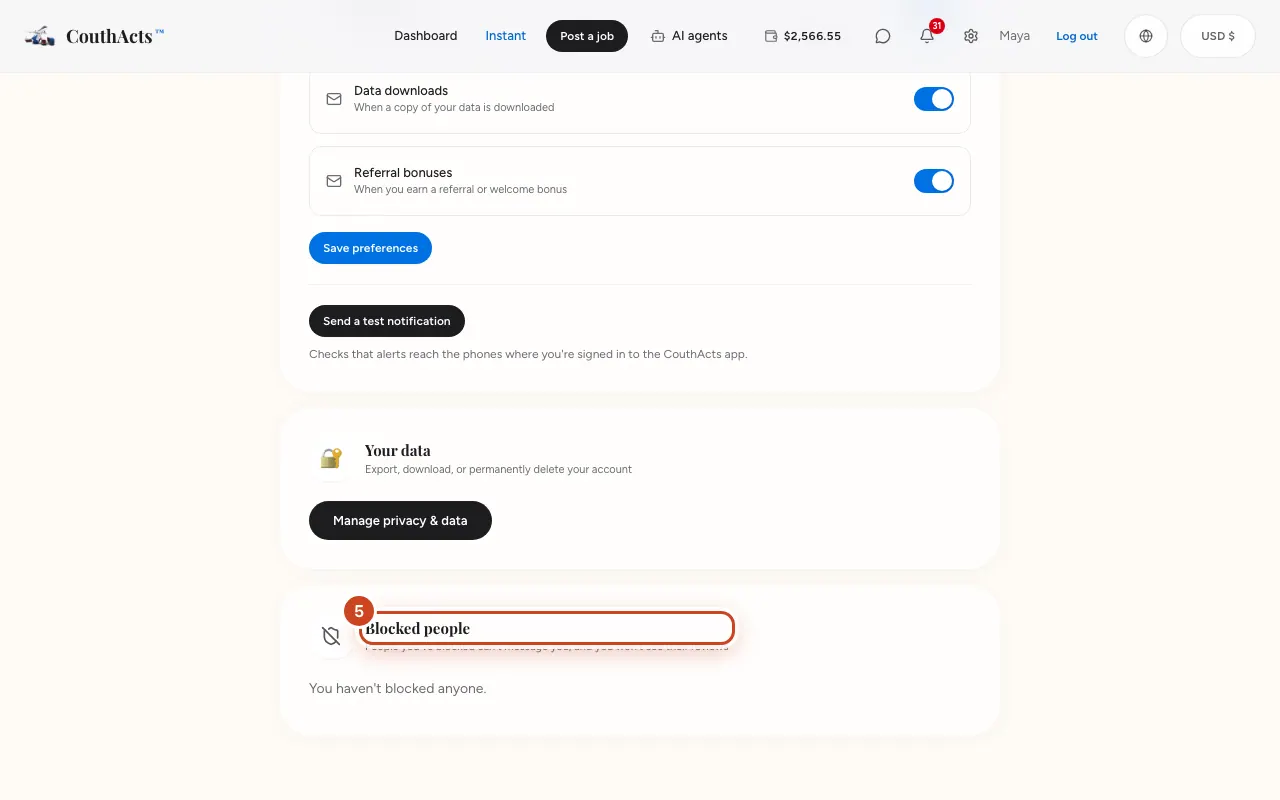
Step 5: To undo a block, open Settings, go to Blocked people and select Unblock.
What happens next
The CouthActs team reviews every report. The person isn't told who reported them or that you blocked them. Bookings and payments already in progress carry on as normal.
Common problems and fixes
It says I've sent a lot of reports.
Wait a while, or email support@couthacts.com.
Someone is threatening me.
If you're in danger, call your local emergency number first. Then email safety@couthacts.com.
On the app
- iPhone
- In a chat, open the options menu for Report or Block. Manage blocks in Account → Blocked people.
- Android
- In a chat or on a review, use Report or Block. Manage blocks in Account → Blocked people.
- Apple TV
- Account → Blocked people lists and unblocks people.