Leave a review
Rate the provider after a completed job. Reviews help other customers and shape the provider's CouthActs Score.
- Who it's for
- Customers.
- What you need first
- A completed booking.
- Time needed
- About 2 minutes
Steps
Screenshots show the website with demo data. The CouthActs apps work the same way; differences are under “On the app”.
Step 1: Open the completed booking.
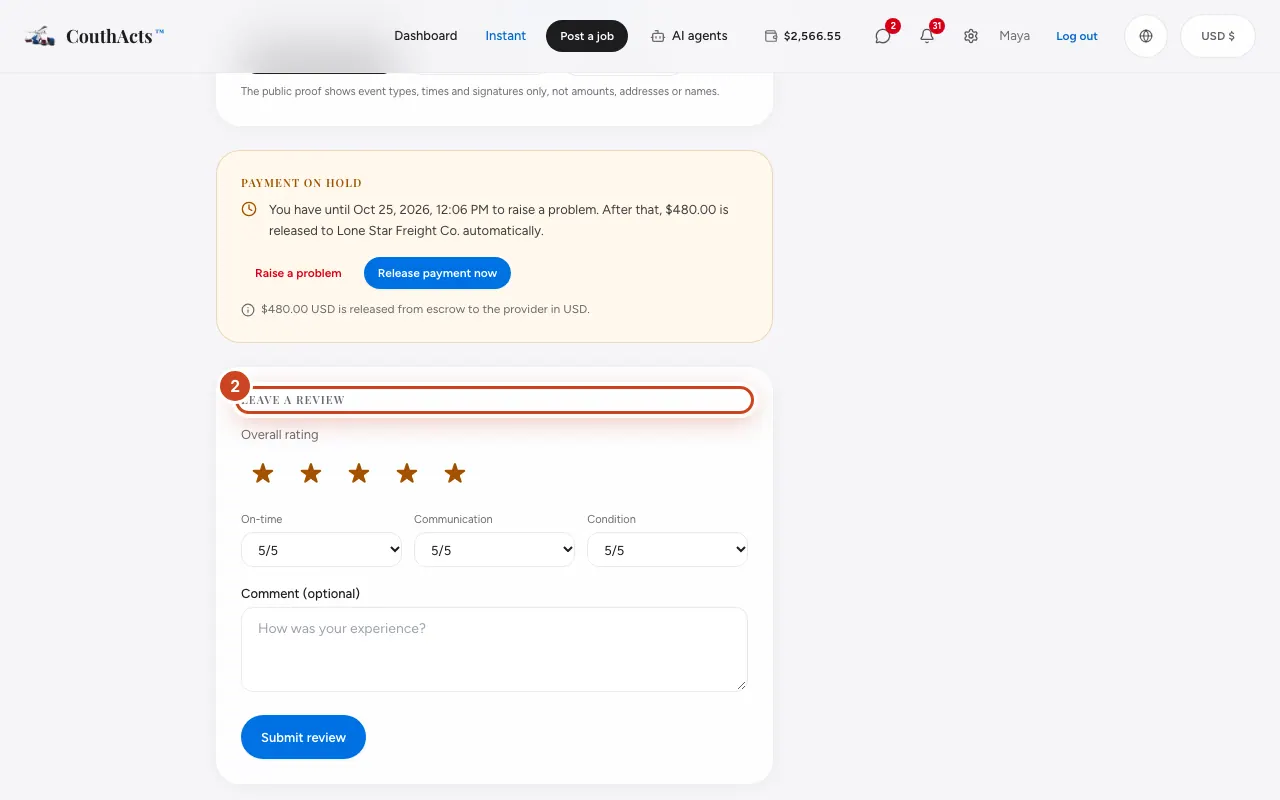
Step 2: Under Leave a Review, choose the stars for Overall rating.
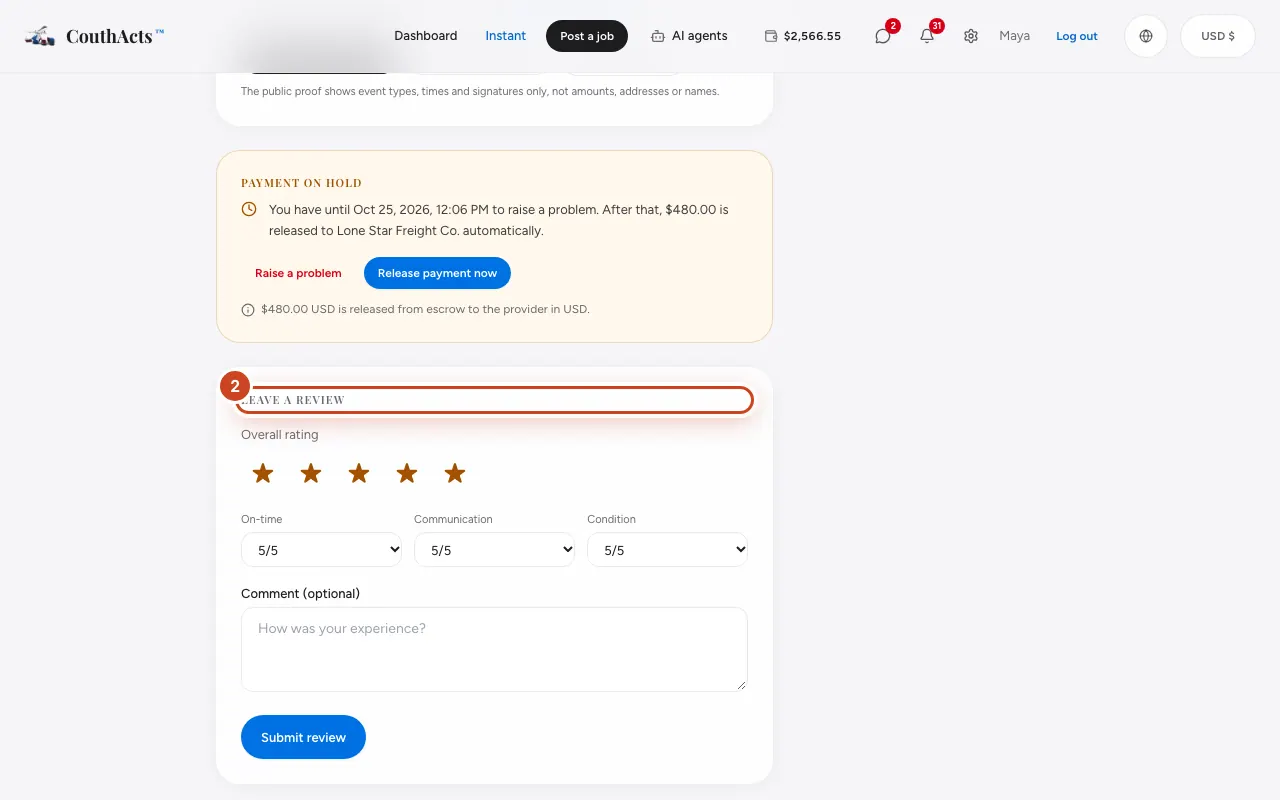
Step 3: Rate On-time, Communication and Condition.
Step 4: Write a comment if you like.
Step 5: Select Submit review.
What happens next
Your review appears on the provider's profile and counts toward their score. Reviews can't be changed after they're sent.
Common problems and fixes
I don't see the review form.
It appears once the booking is completed, and only once per booking.
Someone left an unfair review.
You can report a review. See Report or block someone.
On the app
- iPhone
- In the completed booking, tap Rate this provider, then Submit review.
- Android
- In the completed booking, tap Rate this provider, then Submit review.
- Apple TV
- Apple TV shows a QR code to review on your phone.