Post a job for a business or agency
Mark a job as Enterprise or Government, and choose to accept bids only from WorkPair Registry Verified providers.
- Who it's for
- Businesses and government agencies posting jobs.
- What you need first
- Everything you need to post a job.
- Time needed
- About 5 minutes
Steps
Screenshots show the website with demo data. The CouthActs apps work the same way; differences are under “On the app”.
Step 1: Start Post a job and choose a mode.
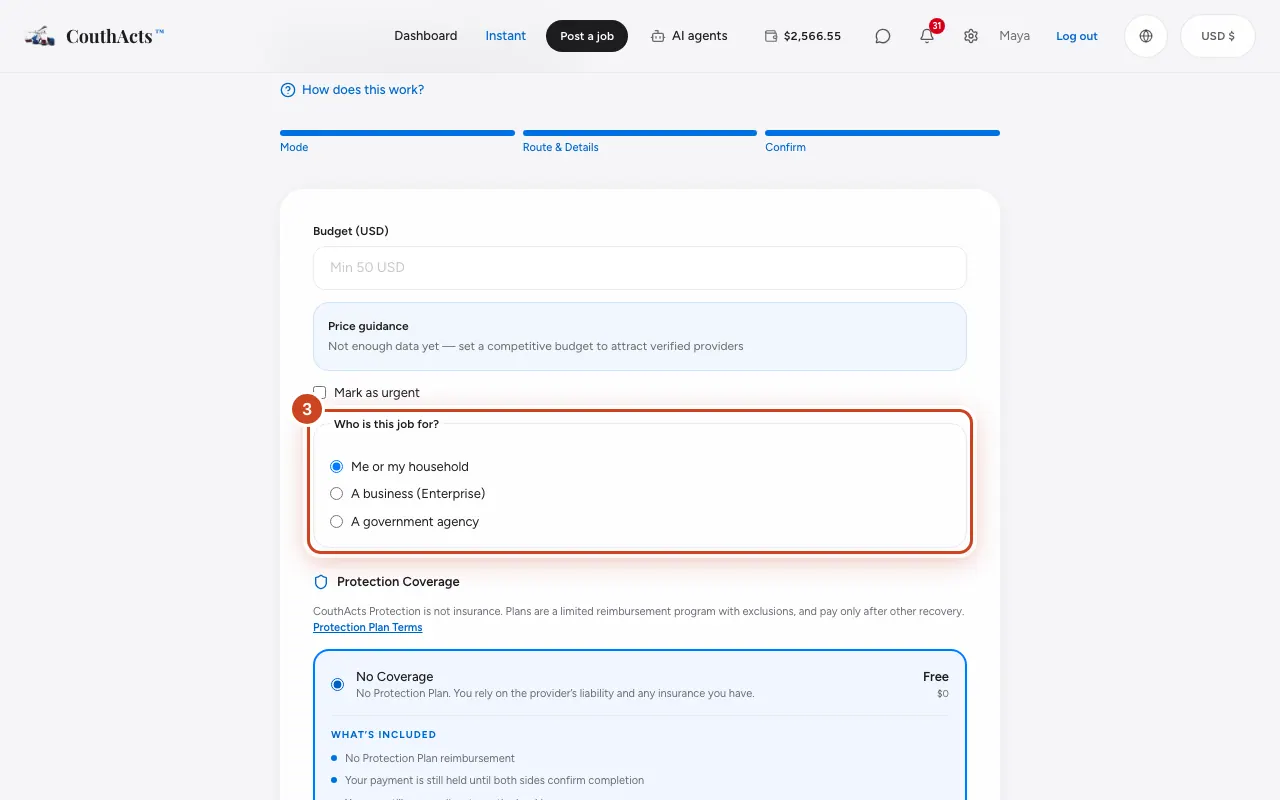
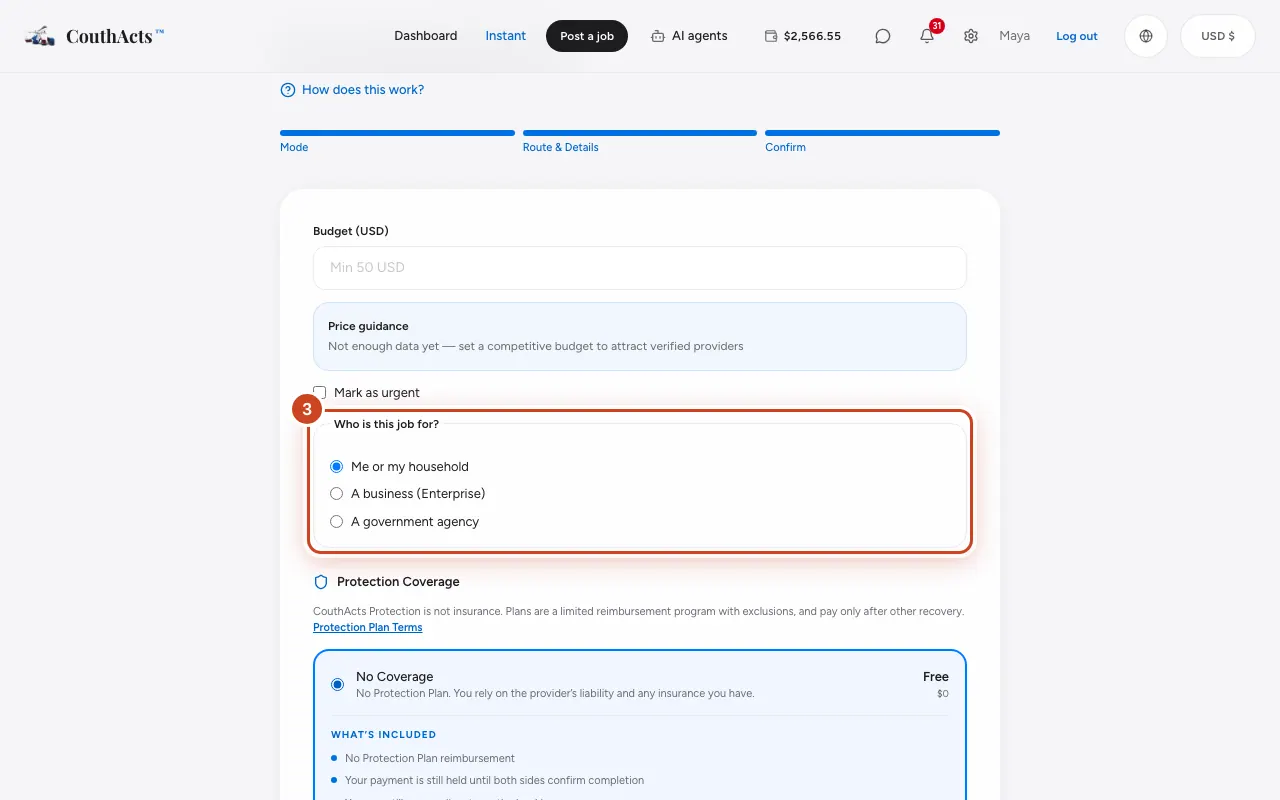
Step 2: On the budget step, find Who is this job for?.
Step 3: Choose A business (Enterprise) or A government agency.
Step 4: Tick Require WorkPair Verified providers.
Step 5: Finish the form and select Post job.
What happens next
Your job shows the tag WorkPair Verified providers only, and only WorkPair Registry Verified providers can bid. Escrow, the chain of custody and dispute review work as for any job.
Common problems and fixes
I get fewer bids.
Only verified providers can bid. Allow more time, or untick the requirement for jobs that don't need it.