Update your profile photo and details
Change your photo, name, phone, city, country and preferred currency.
- Who it's for
- Customers and providers.
- What you need first
- A clear photo of your face (JPG or PNG, up to 5 MB) if you're changing the photo.
- Time needed
- About 2 minutes
Steps
Screenshots show the website with demo data. The CouthActs apps work the same way; differences are under “On the app”.
Step 1: Open Settings.
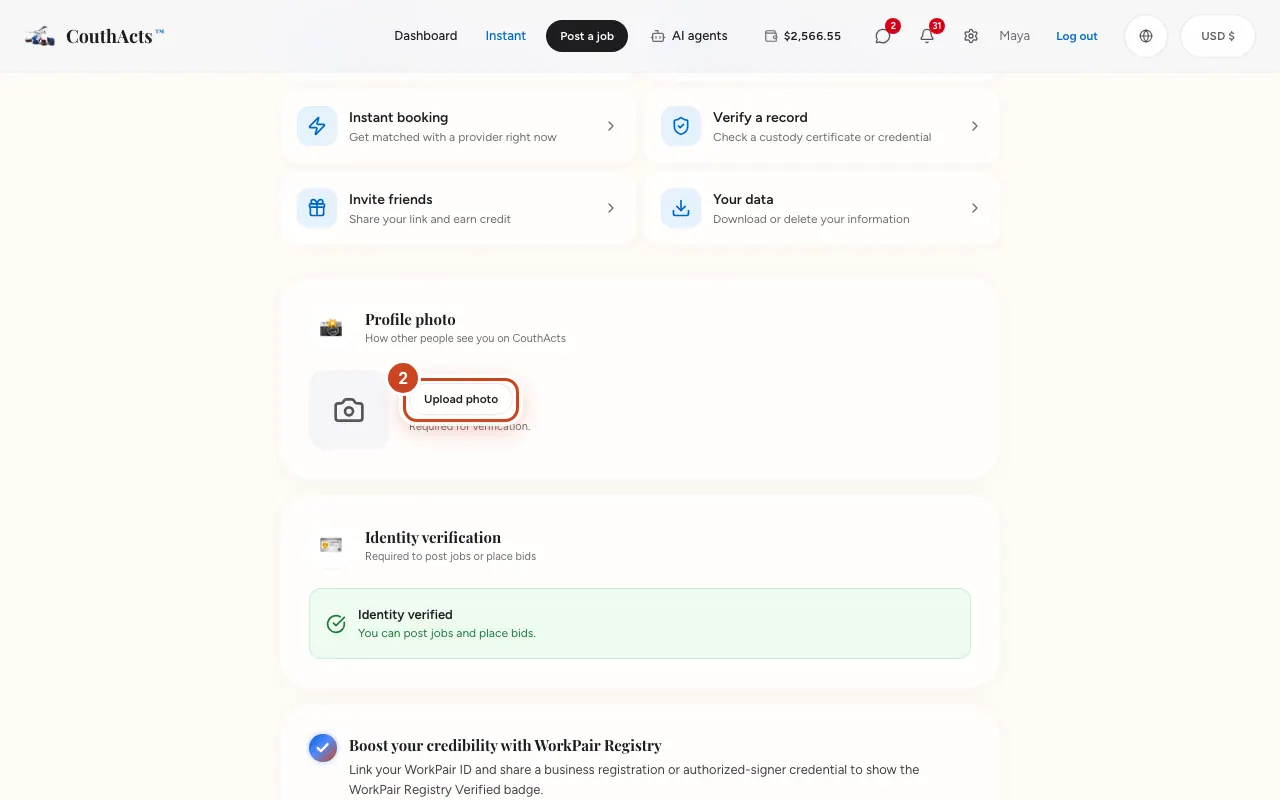
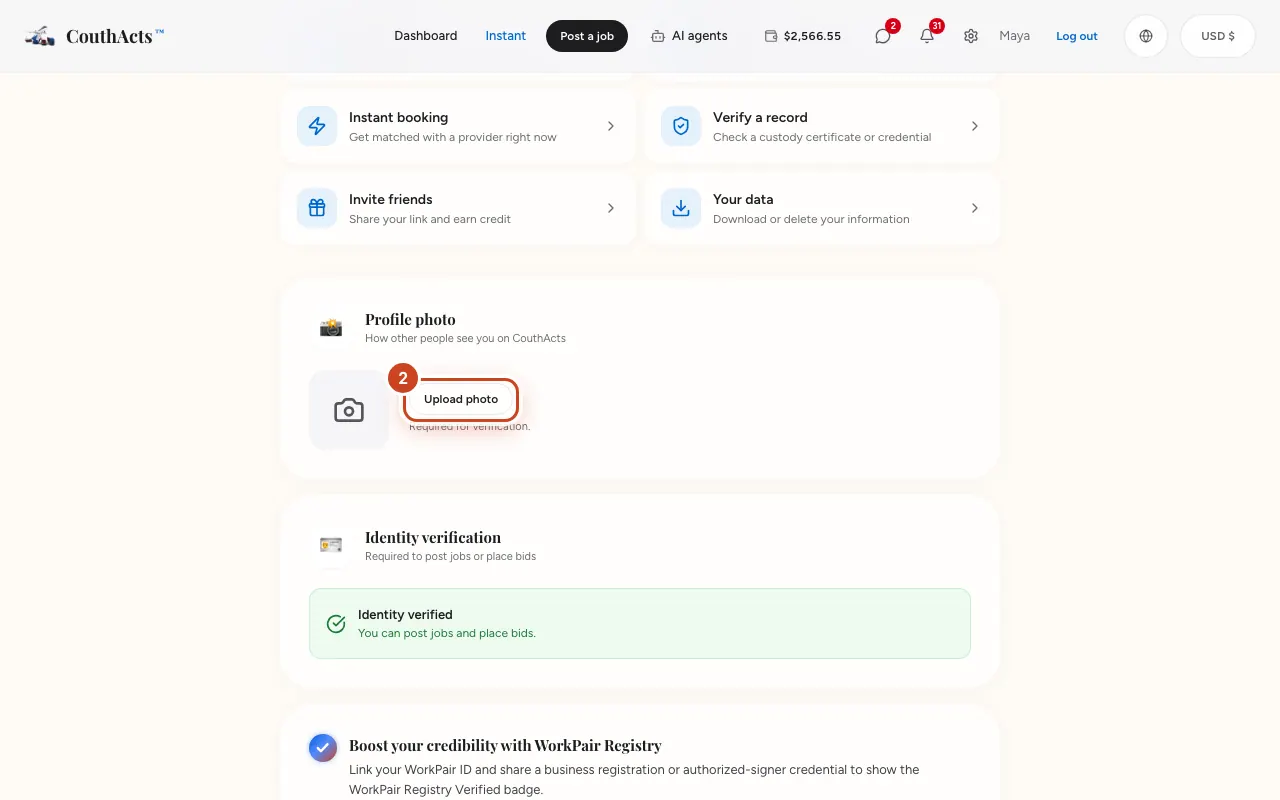
Step 2: Under Profile photo, select Change photo and choose a photo.
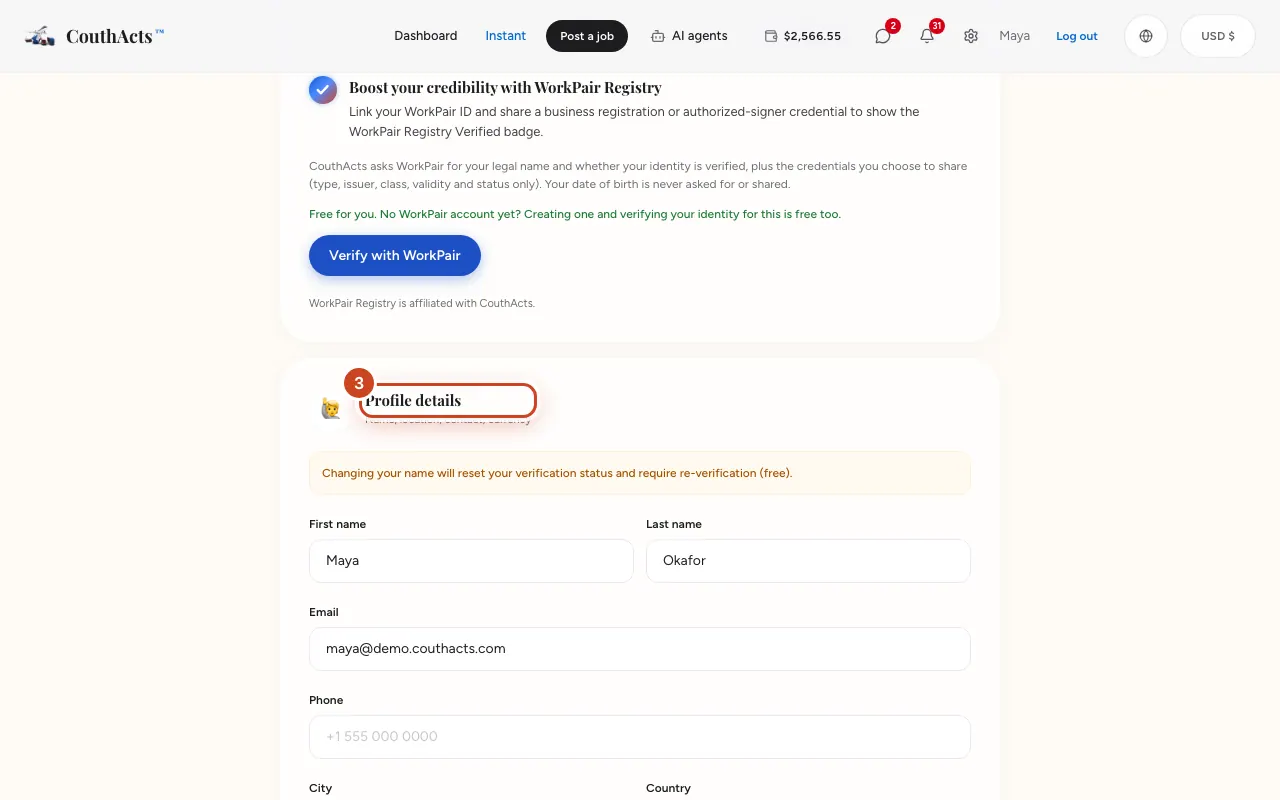
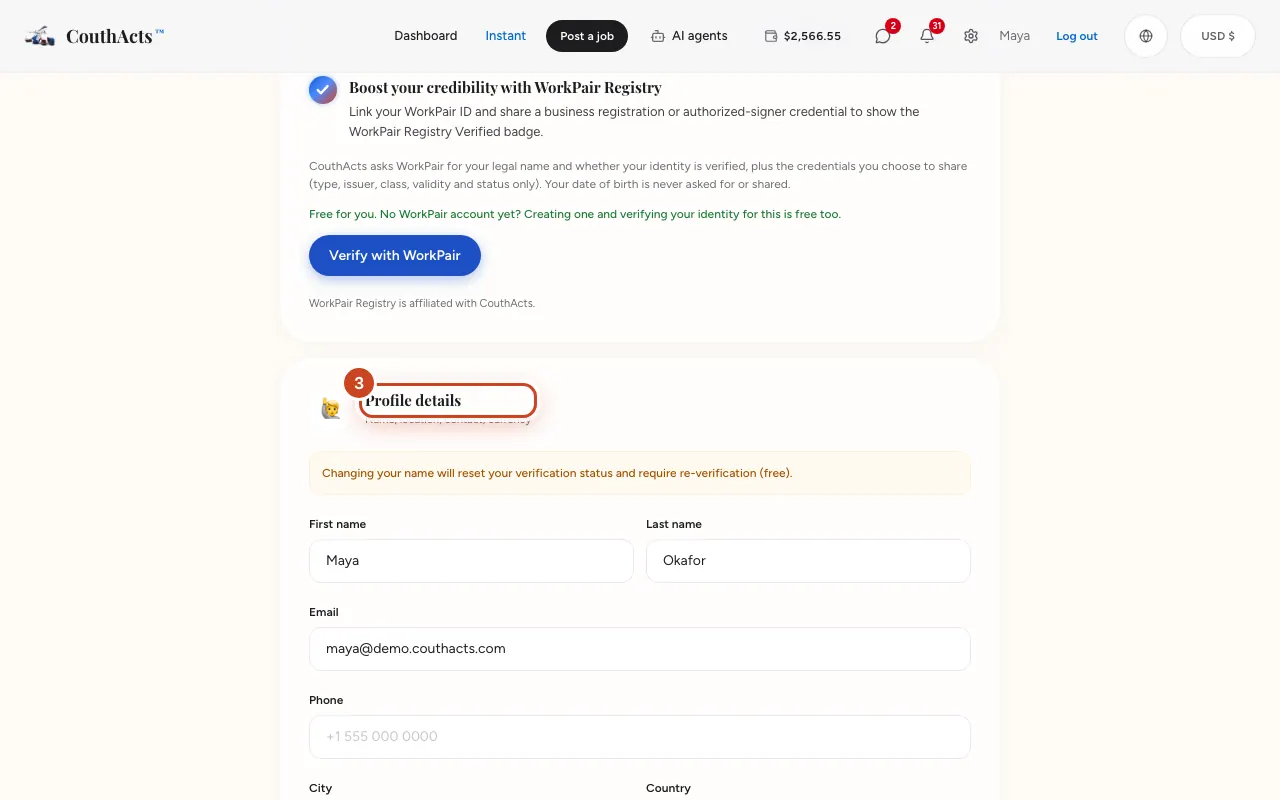
Step 3: Under Profile details, edit your name, Phone, City or Country.
Step 4: Select Save changes.
What happens next
Your changes show straight away. If you changed your name, verify your identity again (it's free).
Common problems and fixes
Can I change my email?
Your email can't be changed in Settings. Contact support if you need to change it.
My verification was reset.
Changing your name resets identity verification, because the name must match your ID. Verify again.
On the app
- iPhone
- Go to Account to see your details. To change your photo or name, use Settings on the website.
- Android
- Go to Account to see your details. To change your photo or name, use Settings on the website.
- Apple TV
- Apple TV shows a QR code (Personal details and photo) to edit them on your phone.