Change the language and the currency you see
Use CouthActs in any of 9 languages and see amounts in your own currency. Charges are always in US dollars.
- Who it's for
- Everyone.
- What you need first
- Nothing.
- Time needed
- About 1 minute
Steps
Screenshots show the website with demo data. The CouthActs apps work the same way; differences are under “On the app”.
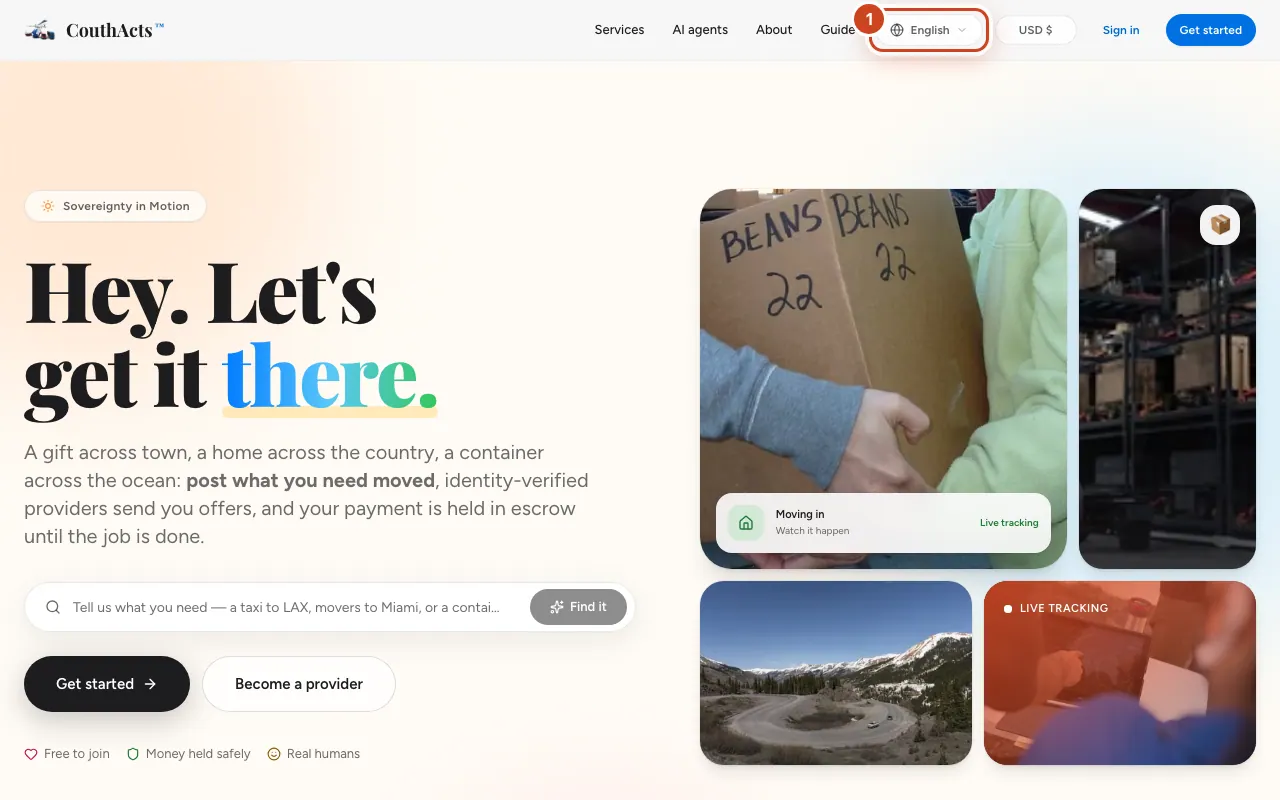
Step 1: Select the language button at the top of the page (Change language).
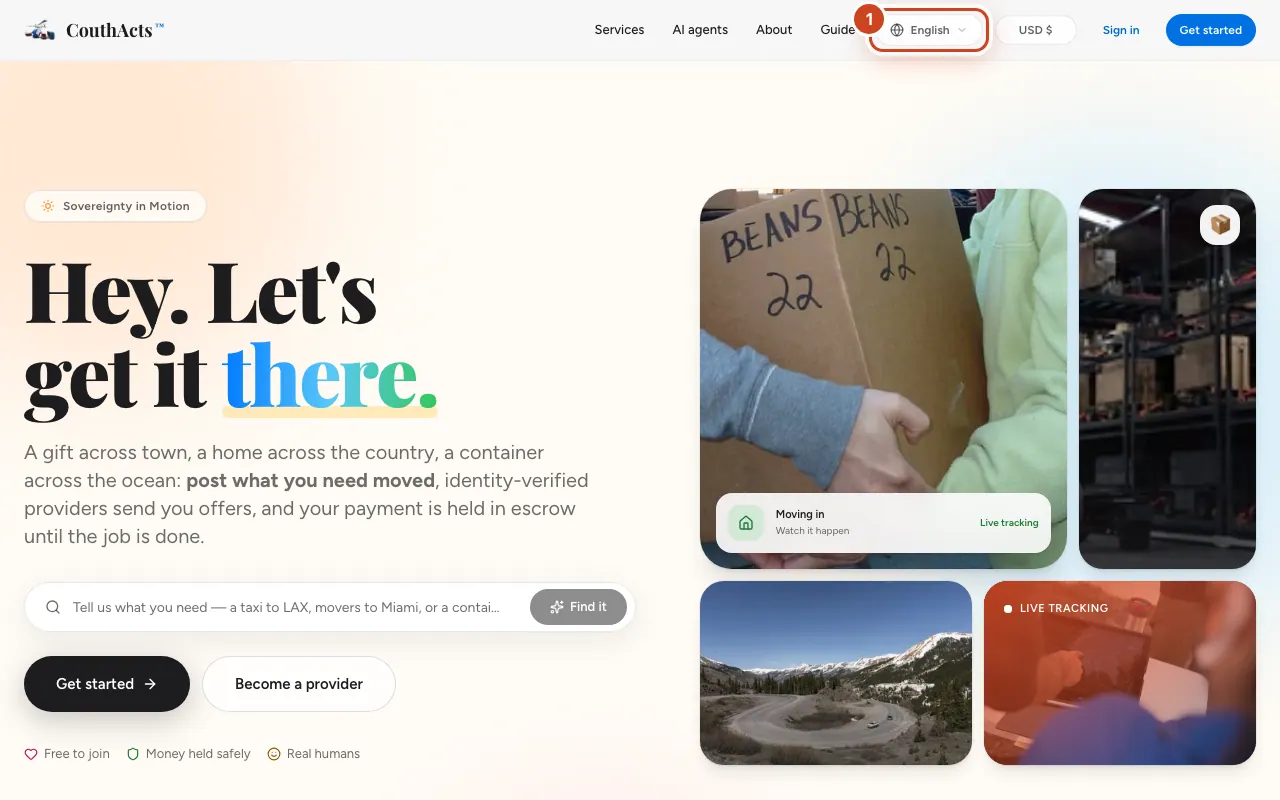
Step 2: Choose your language. The page reloads in that language.
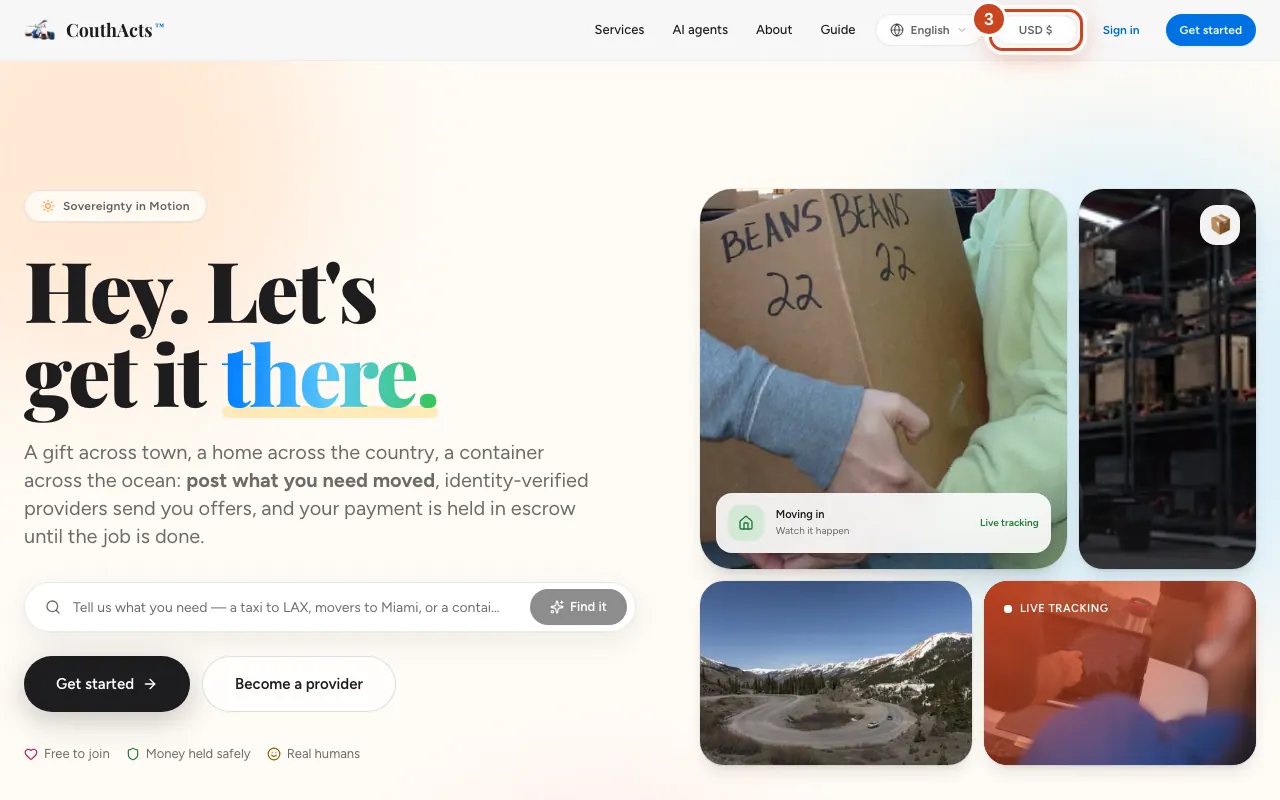
Step 3: Select the currency button next to it (Change display currency).
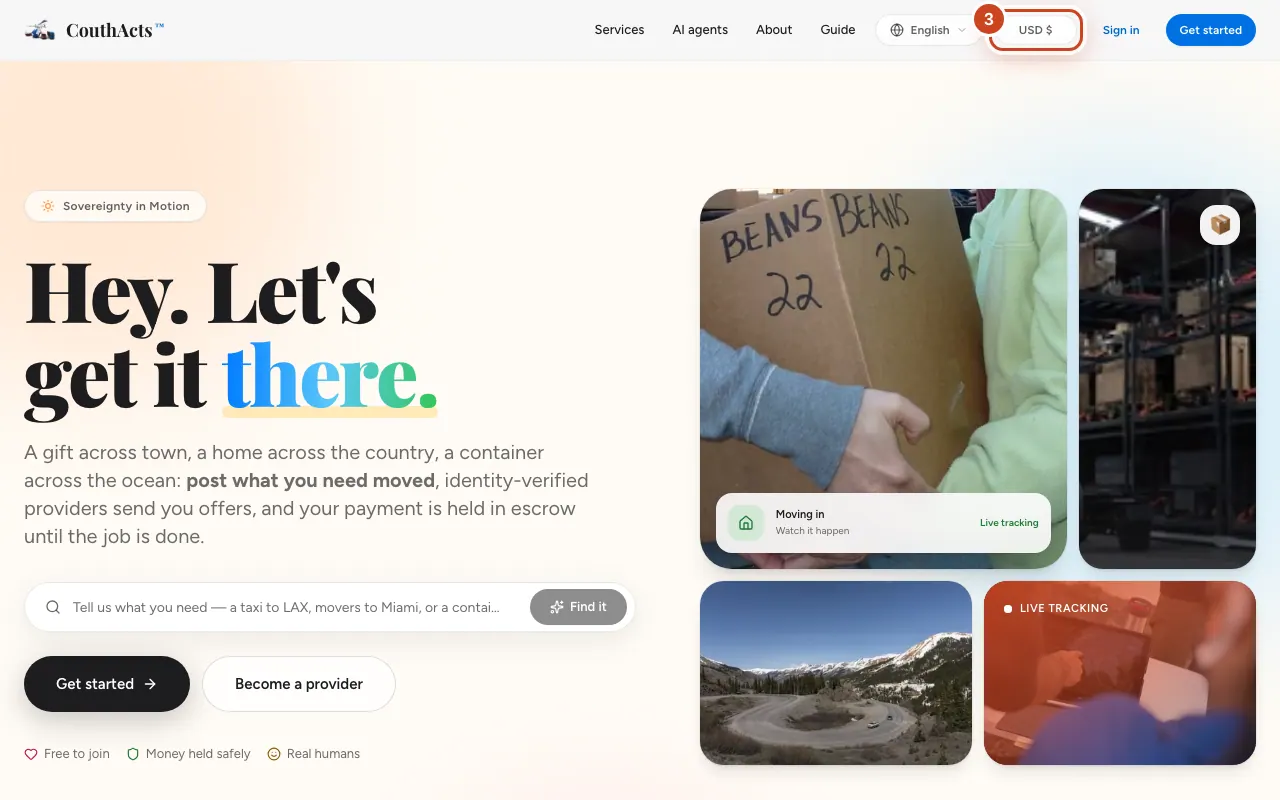
Step 4: Choose your currency. Amounts now show as “$X USD ≈ your currency”.
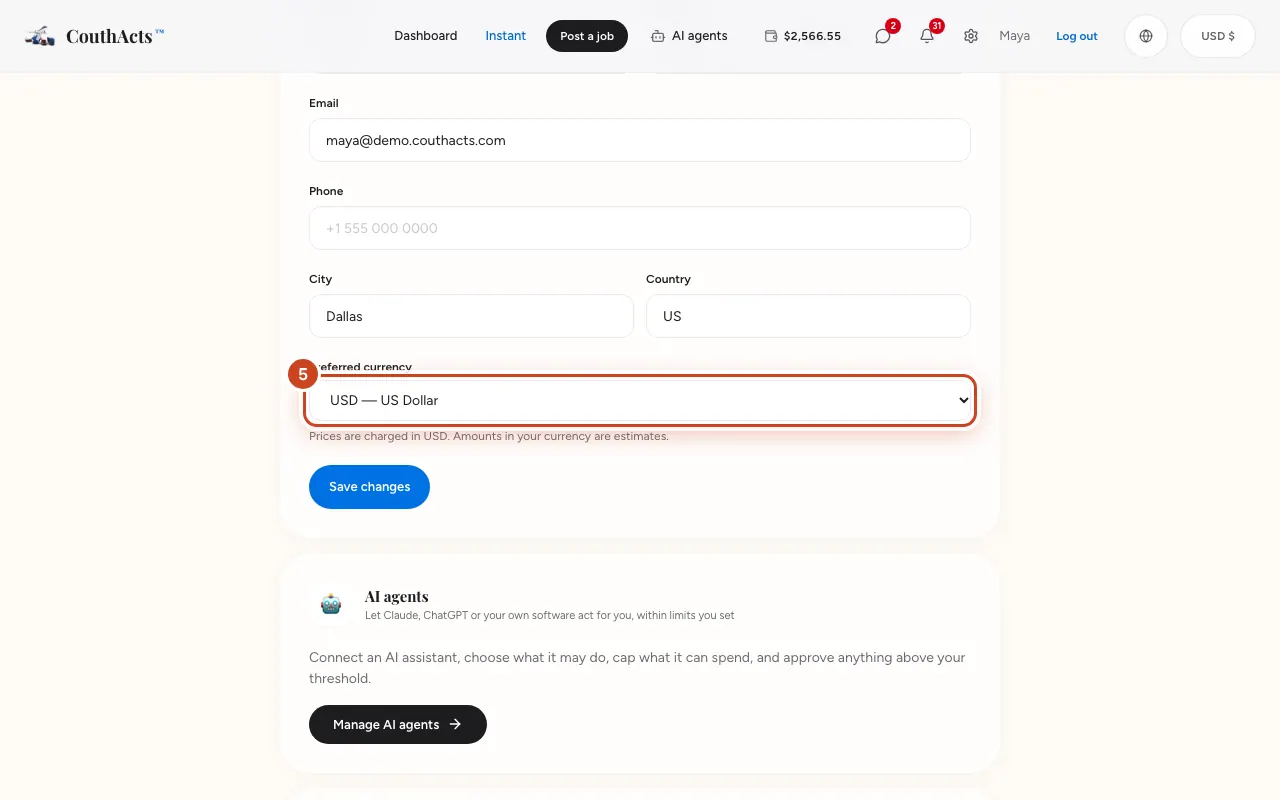
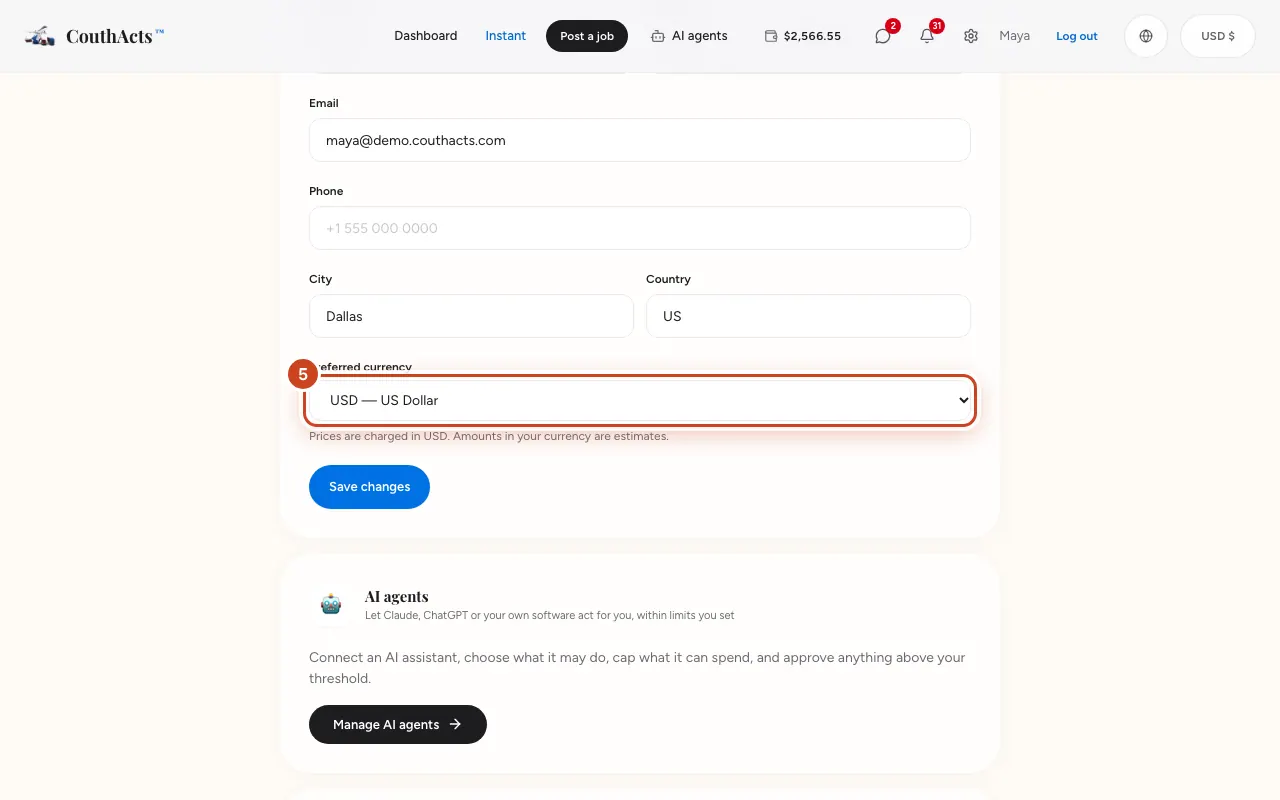
Step 5: To save your currency on your account, open Settings, choose it under Preferred currency and select Save changes.
What happens next
Every money step still tells you exactly what you'll be charged in USD. Amounts in your currency are estimates at today's rate; your bank converts the charge and may add a fee.
Common problems and fixes
Why am I charged in dollars?
Wallets, holds, fees and payouts on CouthActs are all in US dollars. Your bank converts the amount when you top up.
The ≈ amounts disappeared.
When live exchange rates aren't available, amounts show in USD only. Try again later.
Are the legal documents translated?
The legal documents are in English. The pages around them are translated.
On the app
- iPhone
- Change the display currency in Account → Display currency. The apps follow your device language.
- Android
- Change the display currency in Account → Display currency.
- Apple TV
- Account → Display currency works on Apple TV too.