Add funds to your wallet
Jobs are paid from your CouthActs wallet. Top up by card through Stripe's secure page.
- Who it's for
- Customers.
- What you need first
- A debit or credit card.
- Time needed
- About 2 minutes
- Card top-up
- Your wallet (USD)
- Budget held + fees
- Agreed price in escrow
- Unused budget back to wallet
- Both sides confirm
- 24-hour hold
- Provider wallet, less fee
- Withdrawn to bank
Steps
Screenshots show the website with demo data. The CouthActs apps work the same way; differences are under “On the app”.
Step 1: Select Wallet at the top of the page.
Step 2: Under Add Funds, choose an amount or type one in Amount (USD).
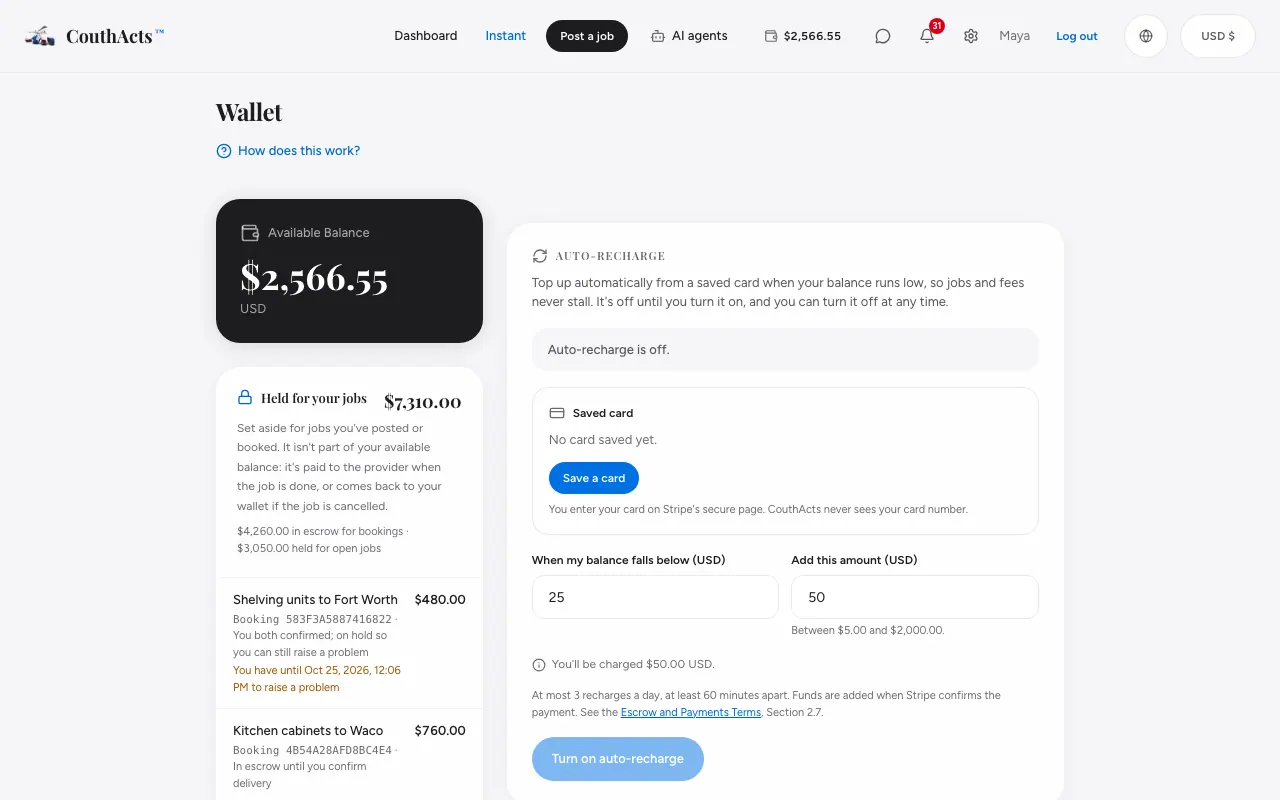
Step 3: Read the line that says how much you'll be charged in USD.
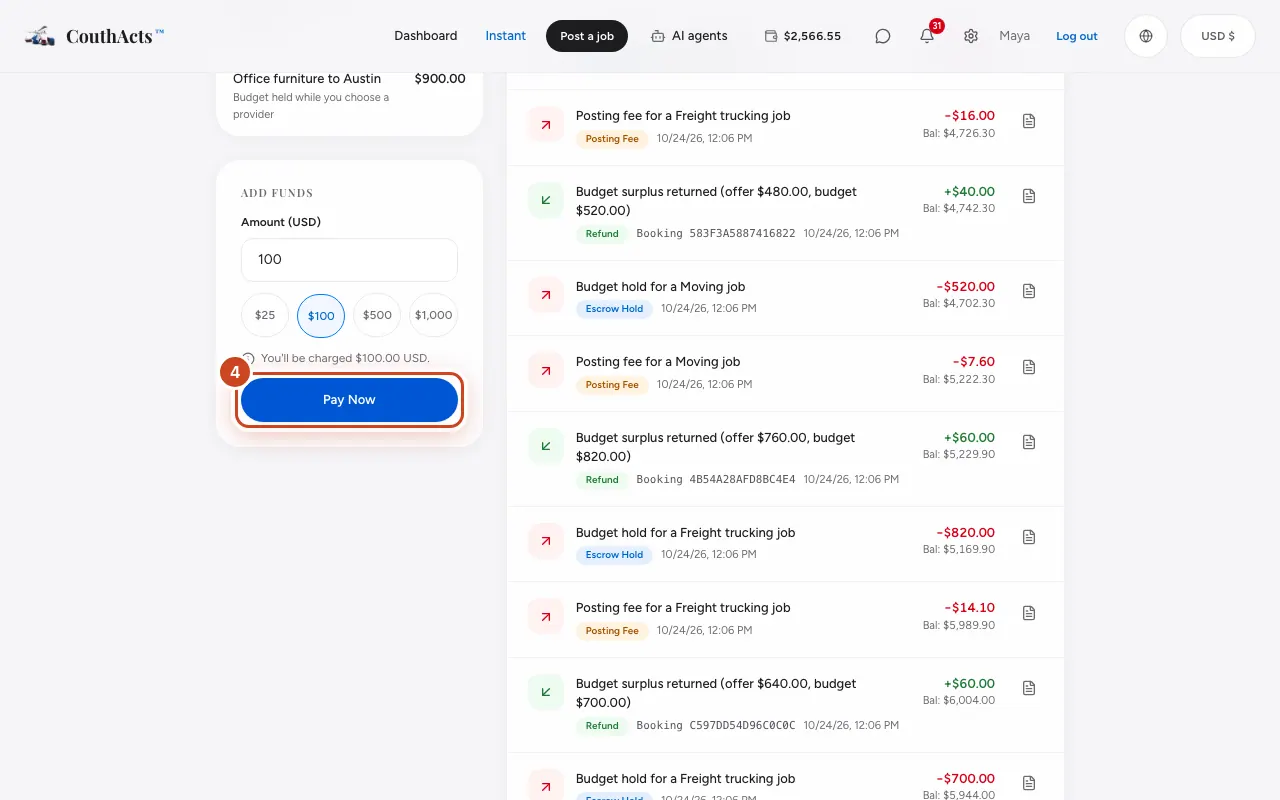
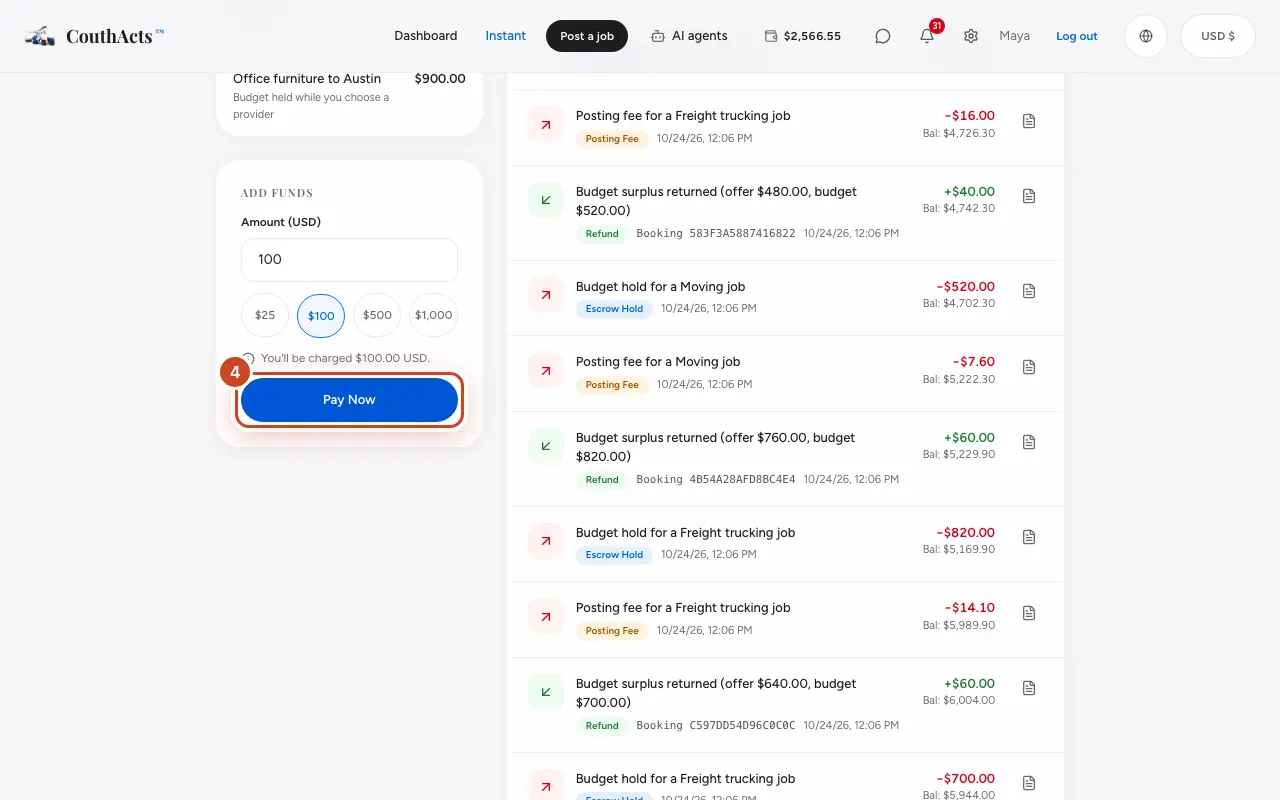
Step 4: Select Pay Now.
Step 5: Enter your card on Stripe's page and pay.
Step 6: Back on CouthActs, wait for Top-up successful! Your balance will update shortly..
What happens next
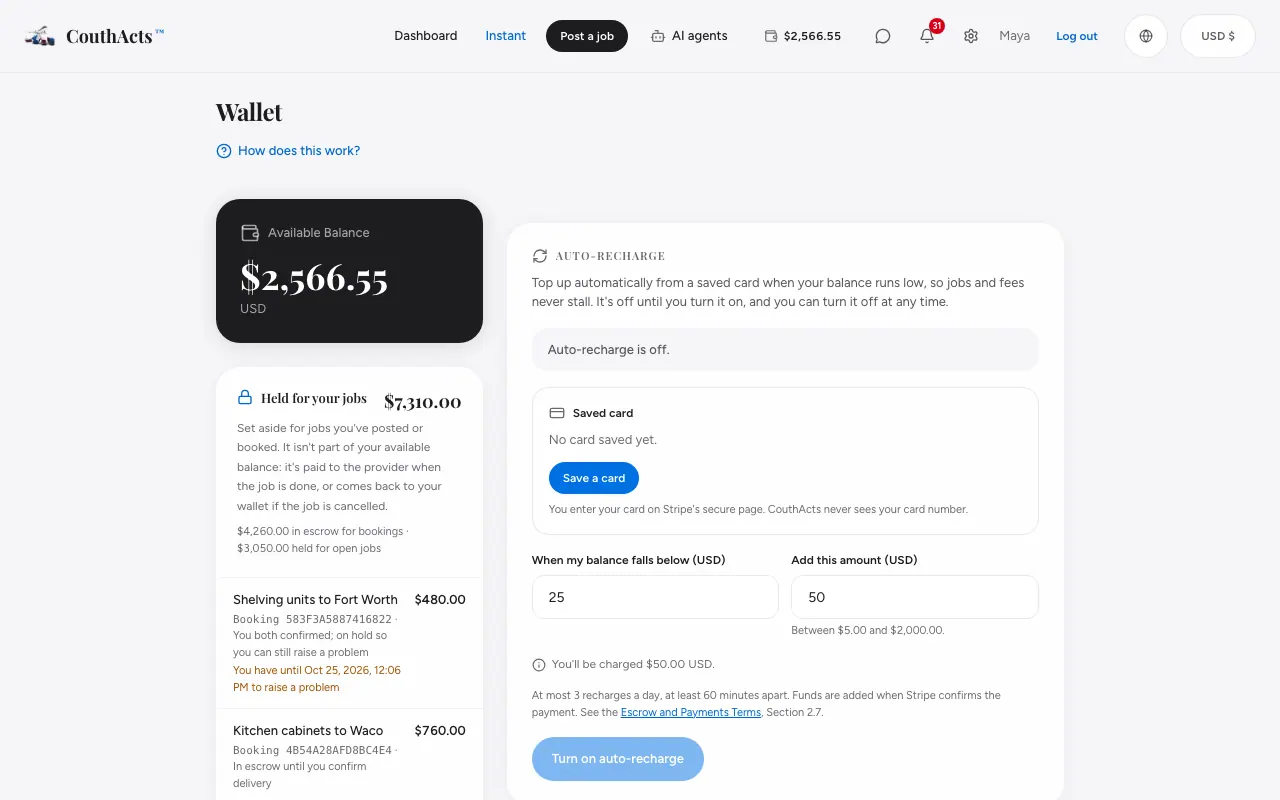
Your balance updates within moments and the top-up appears in Transaction History with a receipt. Top-ups are free; your bank may charge a fee if your card isn't in US dollars.
Common problems and fixes
It says the top-up was cancelled.
You left Stripe's page before paying. Nothing was charged. Try again.
My balance hasn't changed.
It can take a moment after Stripe confirms the payment. Refresh the page.
It says my wallet is locked.
Wallets are locked while a card dispute or account review is open. Contact support.
On the app
- iPhone
- Go to Wallet → Add funds, pick an amount and tap Pay $… with Stripe.
- Android
- Go to Wallet → Add funds, pick an amount and tap Pay $… with Stripe.
- Apple TV
- Apple TV shows a QR code (Add funds) to top up on your phone.