Connect your fleet or dispatch software
Providers can give their dispatch, fleet or telematics software an API key to push live locations, list matching jobs and read bookings.
- Who it's for
- Providers and carriers with their own software.
- What you need first
- A provider account.
- Time needed
- About 3 minutes
Steps
Screenshots show the website with demo data. The CouthActs apps work the same way; differences are under “On the app”.
Step 1: Open Settings and go to Provider API keys.
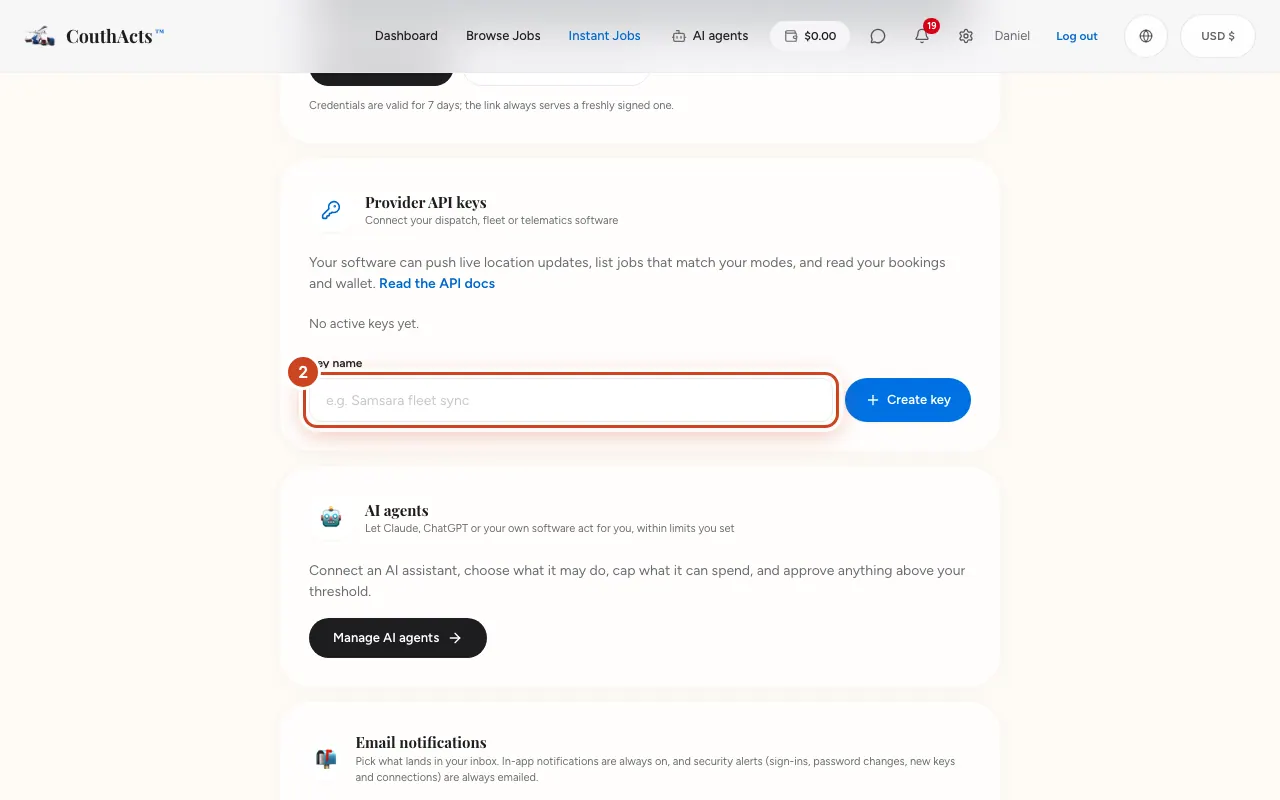
Step 2: Type a Key name, such as your fleet system's name.
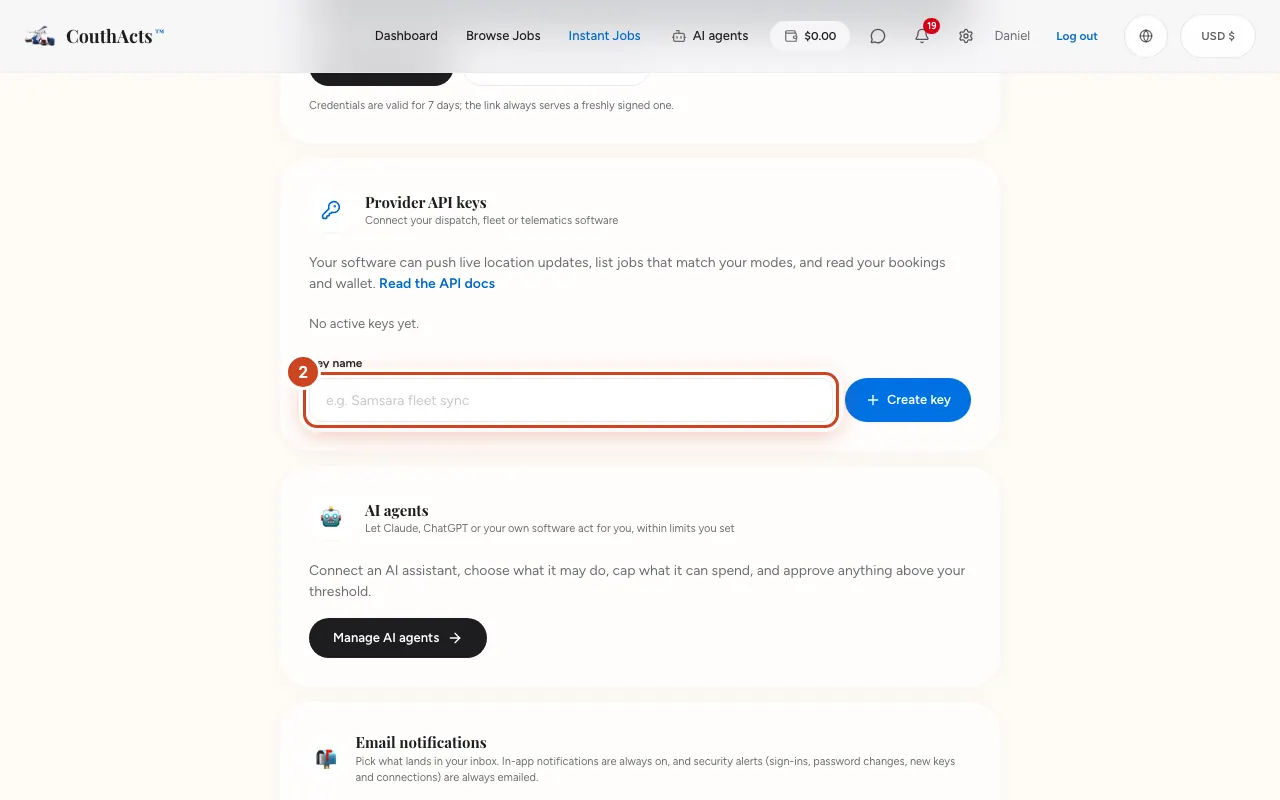
Step 3: Select Create key.
Step 4: Select Copy API key and paste it into your software, then select I've saved it.
Step 5: Select Read the API docs for the endpoints.
What happens next
Your software can now send location updates and read your jobs, bookings and wallet. The key's monthly usage shows next to it. Revoke it at any time.
Common problems and fixes
I lost the key.
It isn't shown again. Revoke it and create a new one.