See your transactions and receipts
Every top-up, hold, fee, release and refund, with a receipt for each.
- Who it's for
- Customers and providers.
- What you need first
- Nothing.
- Time needed
- About 1 minute
Steps
Screenshots show the website with demo data. The CouthActs apps work the same way; differences are under “On the app”.
Step 1: Select Wallet at the top of the page.
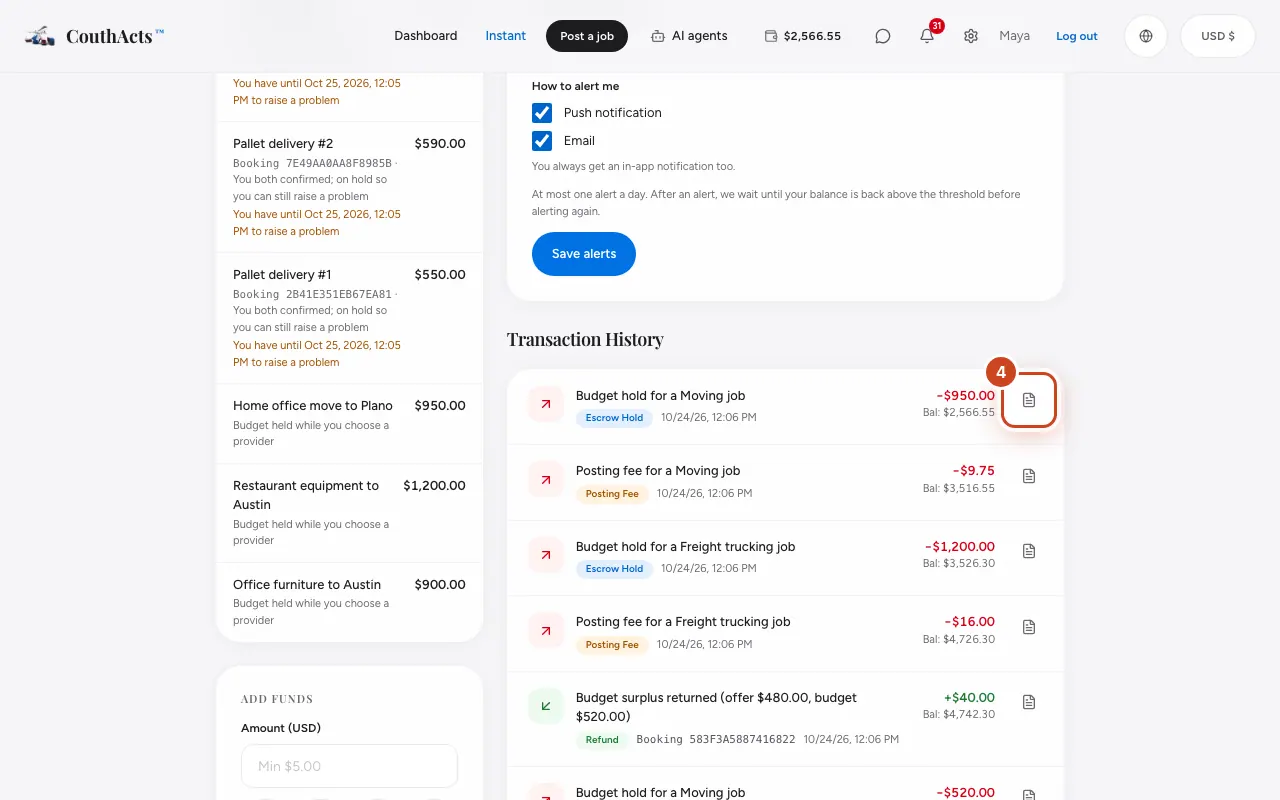
Step 2: Scroll to Transaction History.
Step 3: Read each line's description, amount and balance after it.
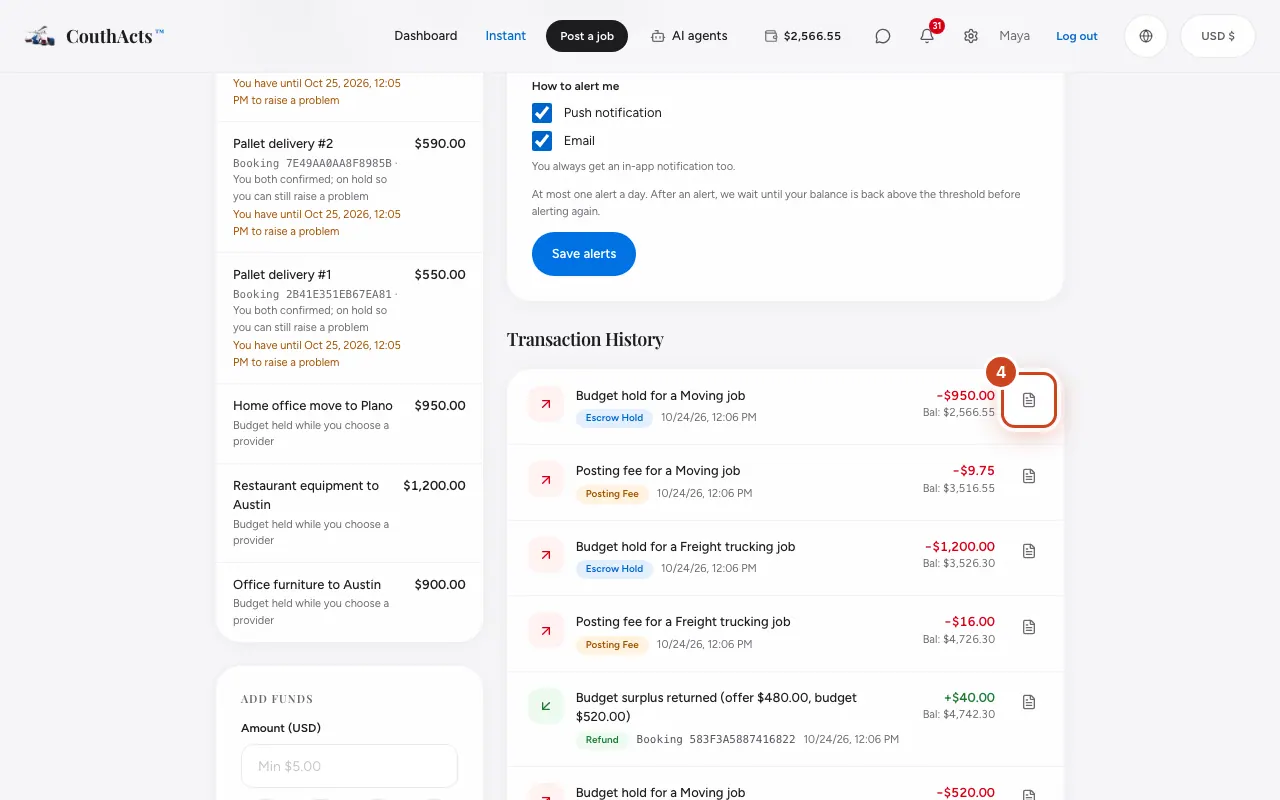
Step 4: Select Download receipt to save a receipt.
What happens next
Receipts show amounts in USD, the currency every charge is made in.
Common problems and fixes
It says No transactions yet.
Your history fills in once you top up or get paid.