Accept a bid and book the provider
Choose the offer you want. The agreed price moves into escrow and the rest of your budget comes back to your wallet.
- Who it's for
- Customers.
- What you need first
- A job with a bid you like.
- Time needed
- About 1 minute
Steps
Screenshots show the website with demo data. The CouthActs apps work the same way; differences are under “On the app”.
Step 1: Open the job and go to Bids.
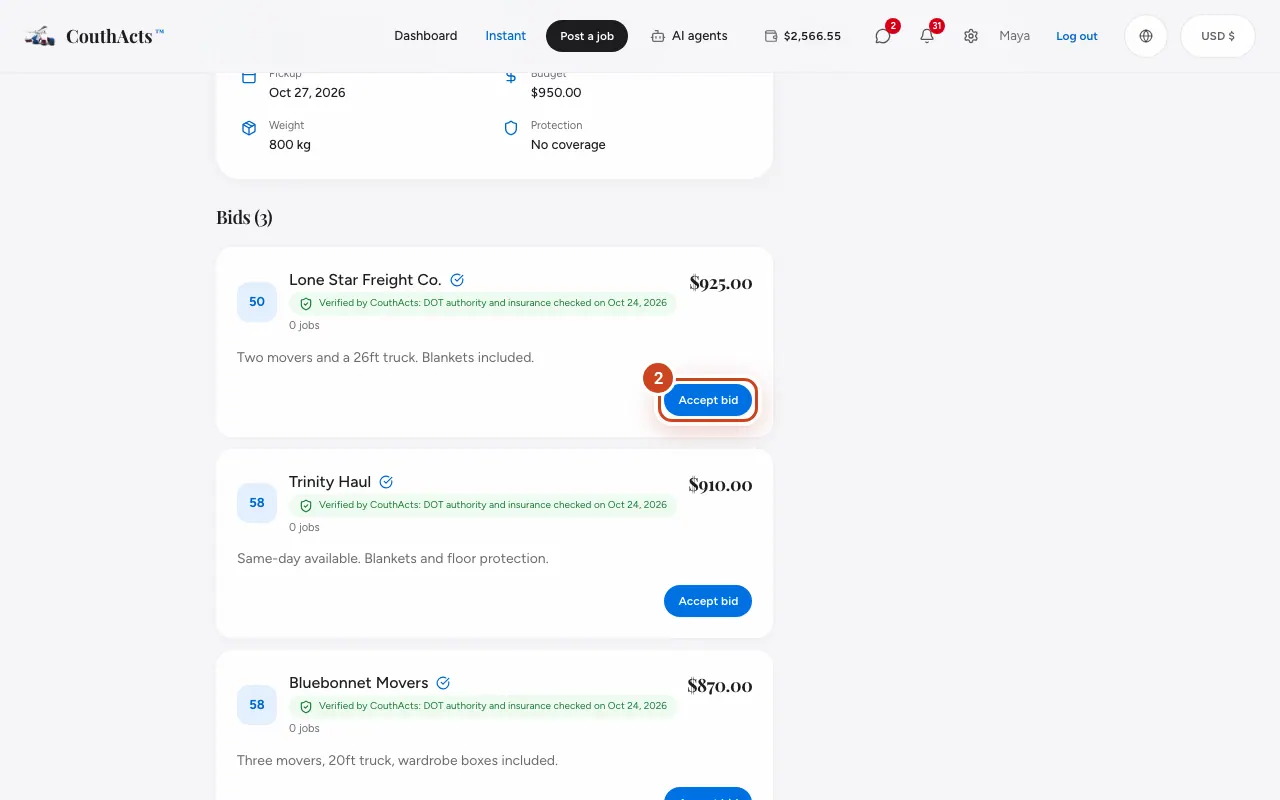
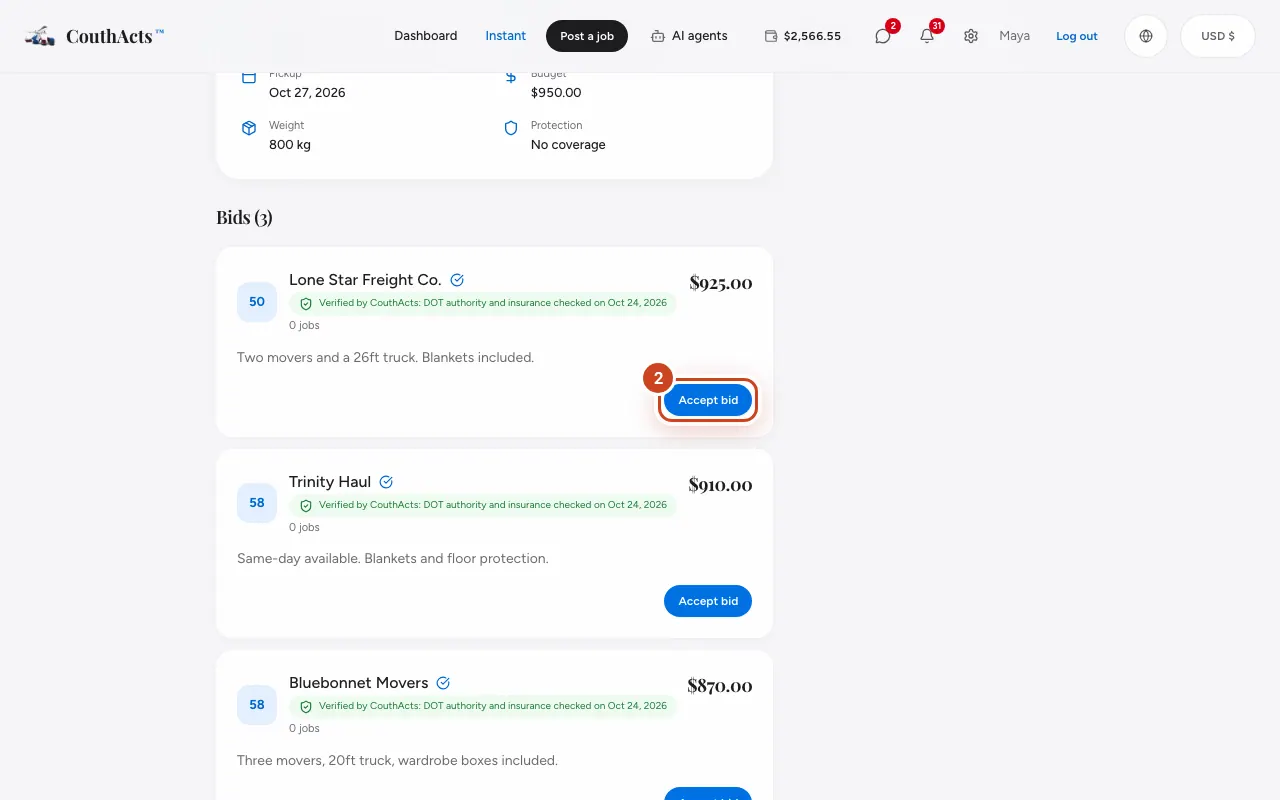
Step 2: On the bid you want, select Accept bid.
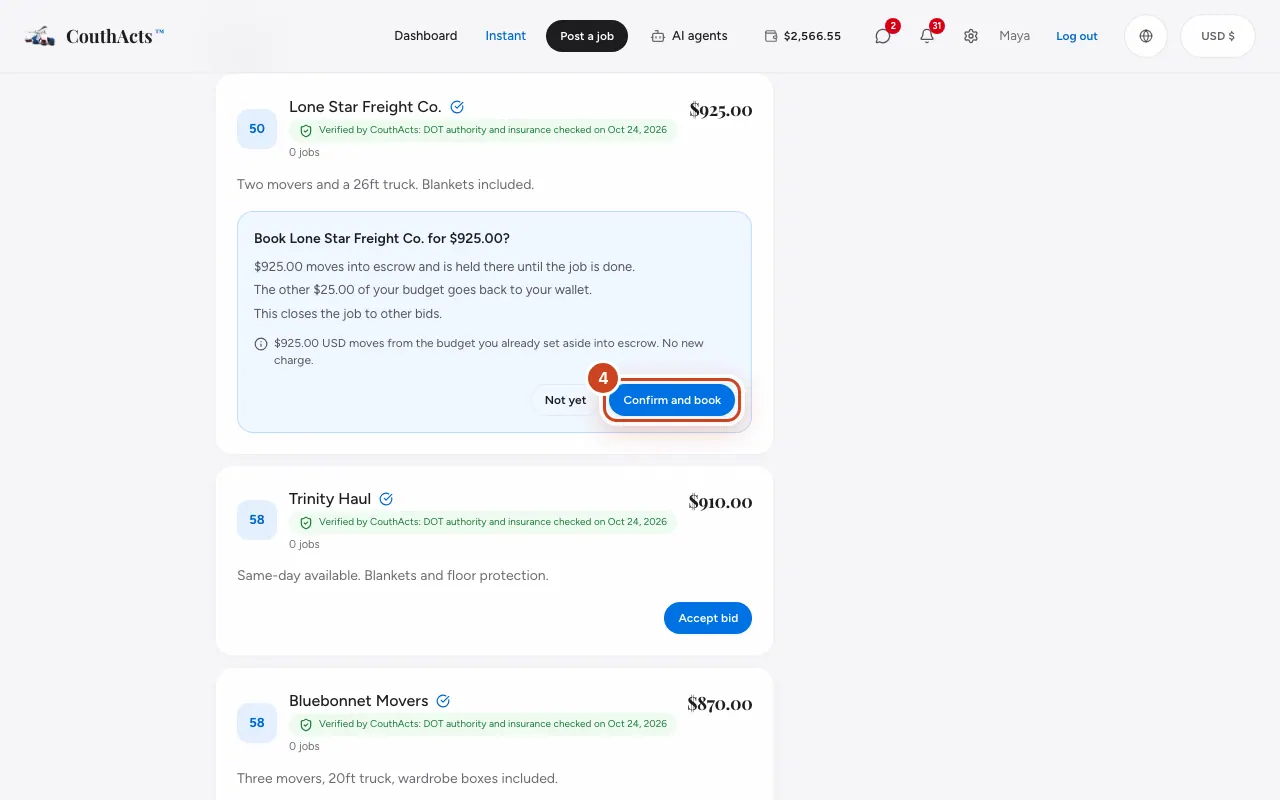
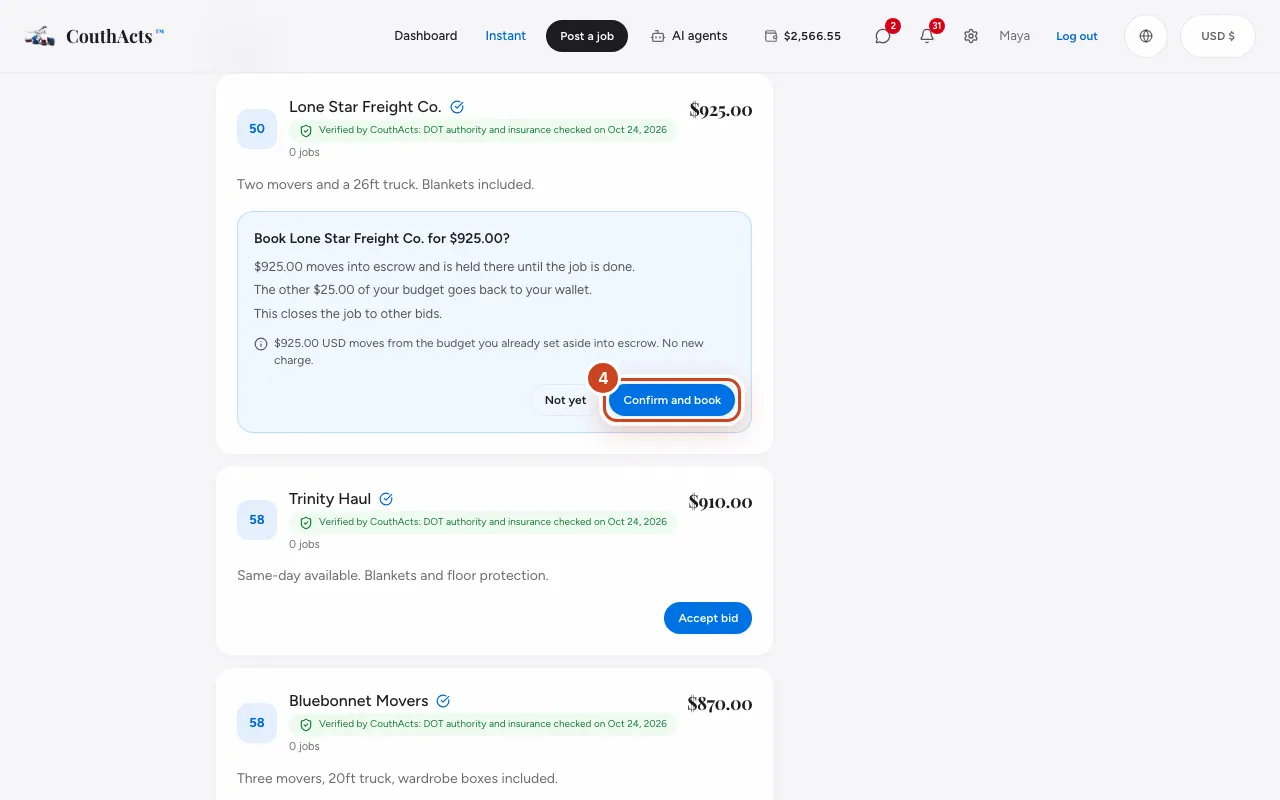
Step 3: Read the confirmation: the amount held in escrow and what comes back to your wallet.
Step 4: Select Confirm and book.
What happens next
You now have a booking with a tracking code and a delivery PIN. The job closes to other bids, and the other providers are told. The provider is paid only after you both confirm the job is done.
Common problems and fixes
It says the provider just changed this bid.
The provider edited the bid while you were looking. Check the new amount, then accept again if you're happy.
The accept button doesn't appear.
The job may already be booked, or the bid may have been withdrawn.
On the app
- iPhone
- On the bid, tap Accept for $…, then Accept bid.
- Android
- On the bid, tap Accept for $… and confirm.
- Apple TV
- Select a bid to accept it.